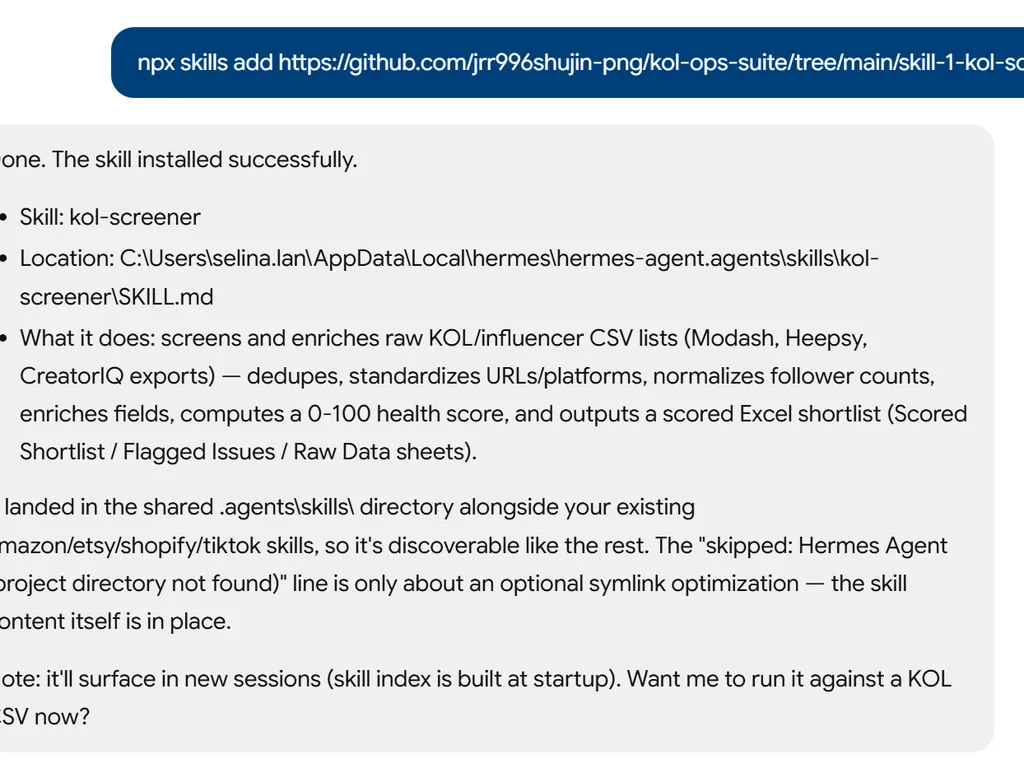
Skill 1: KOL Screener
Takes a raw, messy CSV export from KOL discovery tools and transforms it into a clean, enriched, scored shortlist ready for outreach.
When to Use
- User uploads a CSV/Excel of KOL names or channel URLs
- User says "clean up this influencer list" or "screen these KOLs"
- User wants to format or standardize a creator database
Input
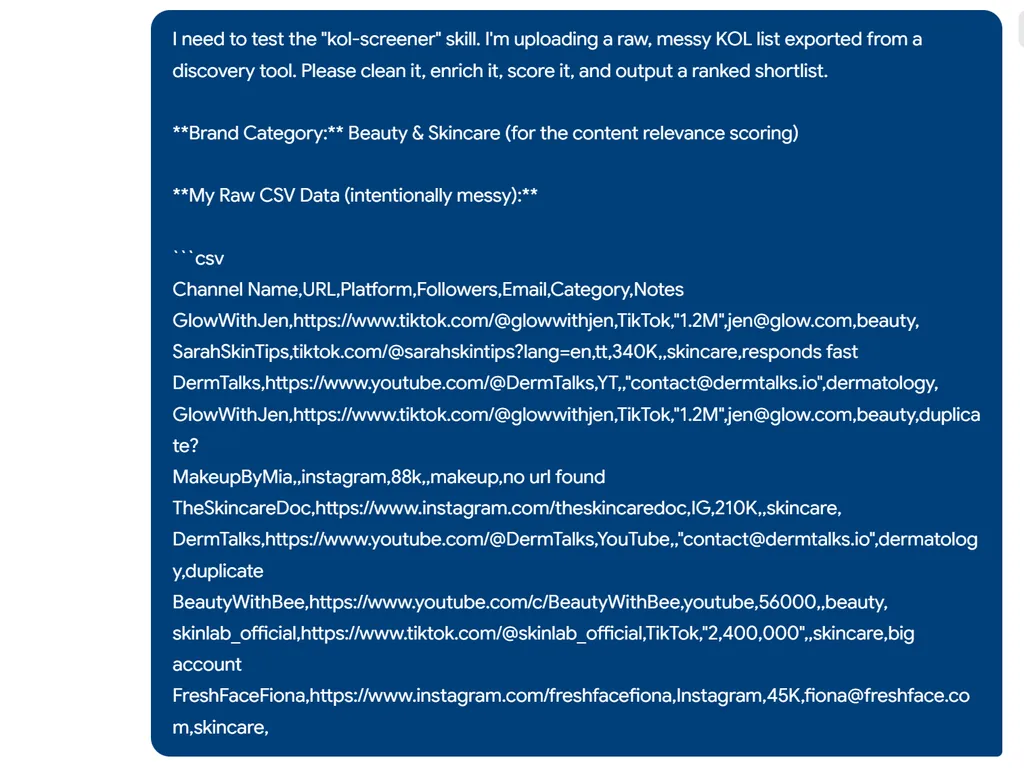
A CSV or Excel file with some combination of: channel names, URLs, follower counts, emails, categories, etc. Expect messy data — inconsistent formats, missing fields, duplicates.
Process
Step 1: Data Cleaning
- Remove duplicate entries (match by URL or channel name)
- Standardize URL formats (ensure full URLs, not partial handles)
- Normalize follower/subscriber counts (convert "1.2M" → 1200000)
- Flag rows with critical missing data (no URL = cannot proceed)
- Detect and standardize platform labels (YT, YouTube, youtube → YouTube)
Step 2: Field Enrichment
For each KOL with a valid channel URL, attempt to gather publicly available data:
| Field | Source | Priority |
|---|---|---|
| Channel Name | From URL/page | Required |
| Platform | From URL pattern | Required |
| Subscriber/Follower Count | Public page | Required |
| Country/Region | Channel info or content language | High |
| Content Category | Inferred from recent video titles | High |
| Avg Views (last 30 videos) | Public video data | High |
| Avg Engagement Rate | (likes+comments)/views × 100% | High |
| Last Upload Date | Most recent video | Medium |
| Total Video Count | Public page | Medium |
| Email (if public) | Channel about page | Medium |
If data cannot be retrieved automatically, mark the cell as [MANUAL] in yellow highlight for the user to fill.
Step 3: Health Scoring
Calculate a preliminary health score (0-100) for each KOL:
| Metric | Weight | Scoring Logic |
|---|---|---|
| Activity | 20% | Last upload within 7 days = 100, 30 days = 70, 90 days = 30, 90+ days = 0 |
| Engagement Rate | 25% | Platform benchmarks: TikTok >5% = 100, YouTube >3% = 100, IG >2% = 100 |
| View Consistency | 20% | Low std deviation in views = high score (stable performer) |
| Follower/View Ratio | 20% | Views/Followers > 30% = 100, 10-30% = 60, <10% = 20 (fake follower indicator) |
| Content Relevance | 15% | How closely recent content matches the brand's category (user must specify category) |
Step 4: Output
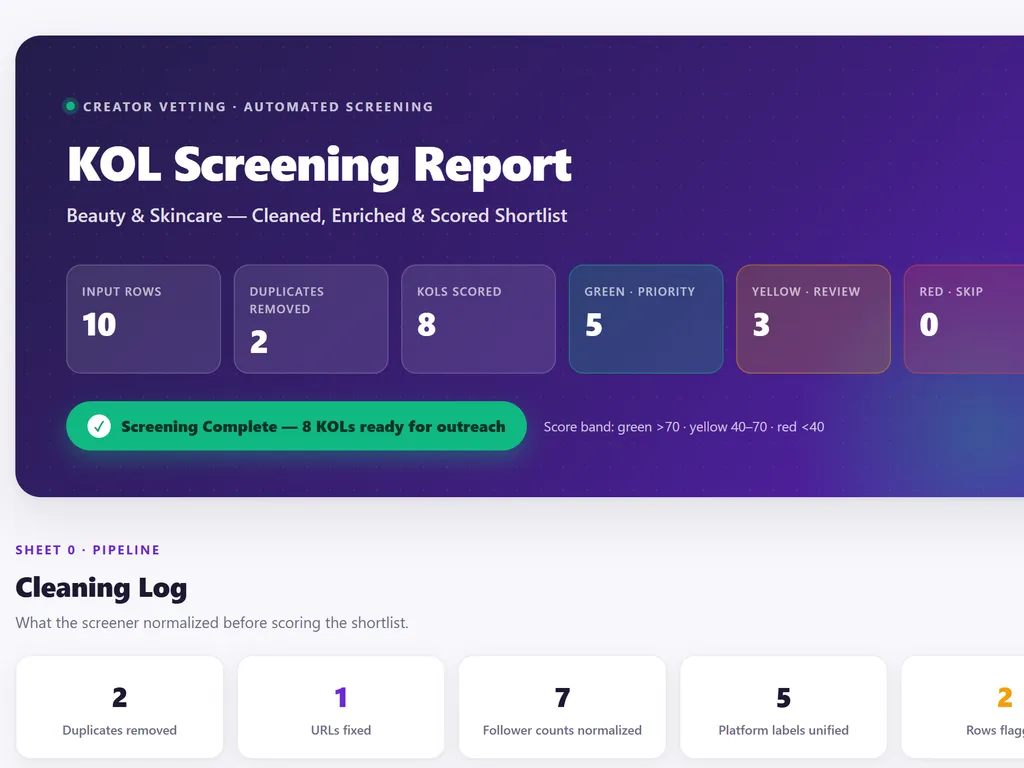
Generate a formatted Excel file with:
- Sheet 1: Scored Shortlist — All KOLs sorted by health score descending, color-coded (green >70, yellow 40-70, red <40)
- Sheet 2: Flagged Issues — KOLs with suspected fake followers, inactive channels, or missing critical data
- Sheet 3: Raw Data — Original import preserved for reference
Output Location
Save to: campaign-workspace/01-screening/screened-shortlist.xlsx
Handoff
After screening, ask user: "Your shortlist is ready with [X] KOLs scored. Want me to proceed to outreach (Skill 2), or do you want to review and filter first?"