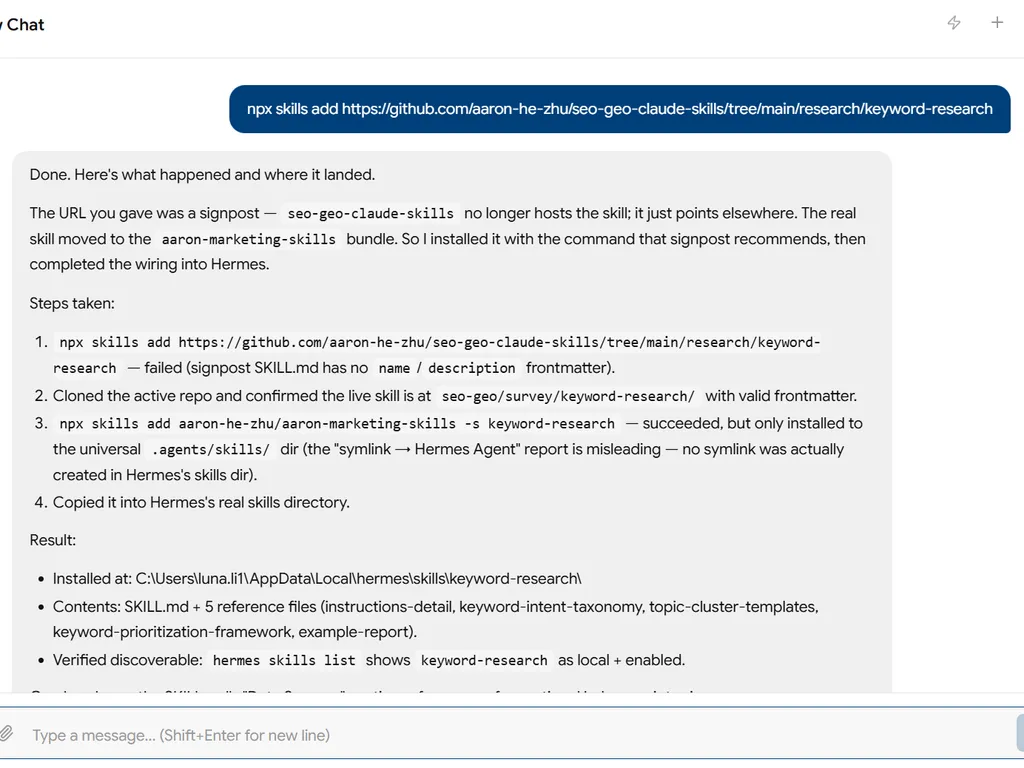
Keyword Research
Discovers, scores, and clusters keywords for SEO and GEO planning.
Quick Start
Research keywords for [topic/product/service]
What keywords is [competitor URL] ranking for that I should target?
Skill Contract
Expected output: a prioritized keyword brief plus the standard handoff summary for memory/research/.
- Reads: topic or seed keyword, target market/language, business goal, site DR, and any user-provided or tool metrics.
- Writes: a user-facing research deliverable and reusable summary.
- Promotes: durable keyword priorities, competitor facts, and pending strategy decisions to
memory/hot-cache.md,memory/open-loops.md, andmemory/research/. - Done when: every shortlisted keyword carries volume + difficulty + intent (or a labeled N/A); keywords are grouped into pillar + cluster hubs; and the deliverable names at least 3 prioritized Quick Win / Growth / GEO opportunities.
- Primary next skill: competitor-analysis when the keyword set is ready for market comparison.
Handoff Summary
Emit the standard shape from skill-contract.md §Handoff Summary Format.
Data Sources
Optional integrations: ~~SEO tool, ~~search console. Without tools, ask for seed keywords, audience, goals, and any known metrics. See CONNECTORS.md.
Zero-dependency local helper (no tool needed): python3 "${CLAUDE_PLUGIN_ROOT}/scripts/connectors/suggest.py" "<seed>" --expand harvests free keyword ideas from Google Autocomplete (⚠️ unofficial endpoint). Search volume / difficulty still needs ~~SEO tool or own Search Console data. See scripts/connectors/README.md.
Striking-distance shortcut (when ~~search console is connected): before broad discovery, mine your own GSC query data for terms already ranking in positions ~5–20 — page-one tail and page two. These are proven demand a small push can convert, so they are the fastest opportunity set. The Search Analytics API sorts by clicks and has no position filter, so request a high rowLimit and filter the 5–20 window client-side, then attach volume / difficulty / intent to that shortlist. Work this set first; treat its metrics as Measured.
Instructions
When a user requests keyword research, run eight phases and announce each as [Phase X/8: Name]:
- Scope — clarify product, audience, business goal, DR, geography, and language.
- Discover — seed from core, problem, solution, audience, and industry terms.
- Variations — expand with modifiers and long-tail patterns.
- Classify — tag by intent (informational, navigational, commercial, transactional).
- Score — assign difficulty (1-100) and compute
Opportunity = (Volume × Intent Value) / Difficulty, with Intent Value1 / 1 / 2 / 3. - GEO-Check — flag AI-answer-friendly queries such as questions, definitions, comparisons, lists, and how-tos.
- Cluster — group keywords into pillar + cluster topic hubs.
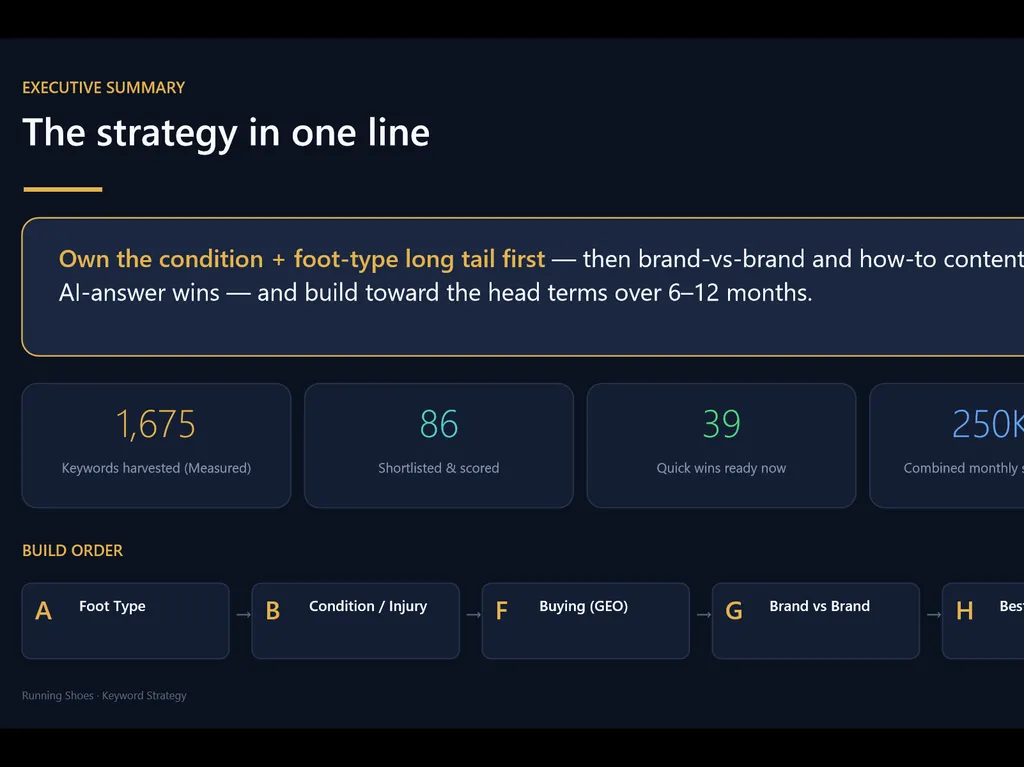
- Deliver — output an Executive Summary, Quick Wins / Growth / GEO opportunities, Topic Clusters, Content Calendar, and Next Steps.
Label every metric Measured (tool/export), User-provided, or Estimated (model inference); never present an estimate as measured; if a required metric is unavailable, mark it N/A — do not invent it.
Quality bar: every recommendation includes at least one specific number. Rewrite generic advice into a concrete keyword + volume + difficulty + reason.
Reference: See references/instructions-detail.md for the full 8-phase templates, expansion patterns, intent table, difficulty tiers, opportunity matrix, GEO indicators, cluster template, actionable-vs-generic examples, and advanced usage.
Example
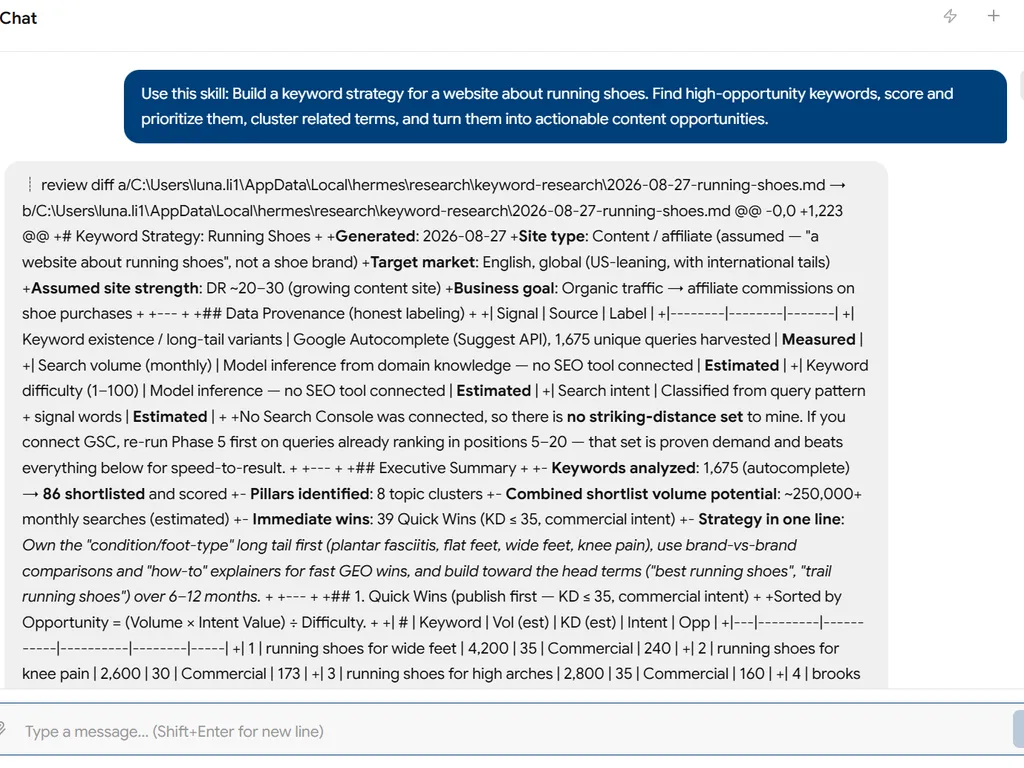
See references/example-report.md for a full worked sample.
Save Results
Write path: memory/research/keyword-research/YYYY-MM-DD-<topic>.md; promote durable keyword priorities to memory/hot-cache.md. See Skill Contract §Save Results Template.
Reference Materials
- Instructions Detail — Workflow, scoring, cluster template, advanced usage
- Keyword Intent Taxonomy — Intent signals and content mapping
- Topic Cluster Templates — Pillar and cluster patterns
- Keyword Prioritization Framework — Scoring and prioritization rules
- Example Report — Worked sample
Next Best Skill
Primary: competitor-analysis. Also: content-gap-analysis and serp-analysis.