NanoSkill
Indsend din skill

Firecrawl Lead Gen

affirecrawl62GitHub-stjernerGitHub

Extract structured lead lists from web databases with Firecrawl Lead Gen. Find prospects by role, company type, or technology and export CRM-ready JSON or CSV.

researchSikkerhedsscanning bestået
Resultatpreview

Fuld demo

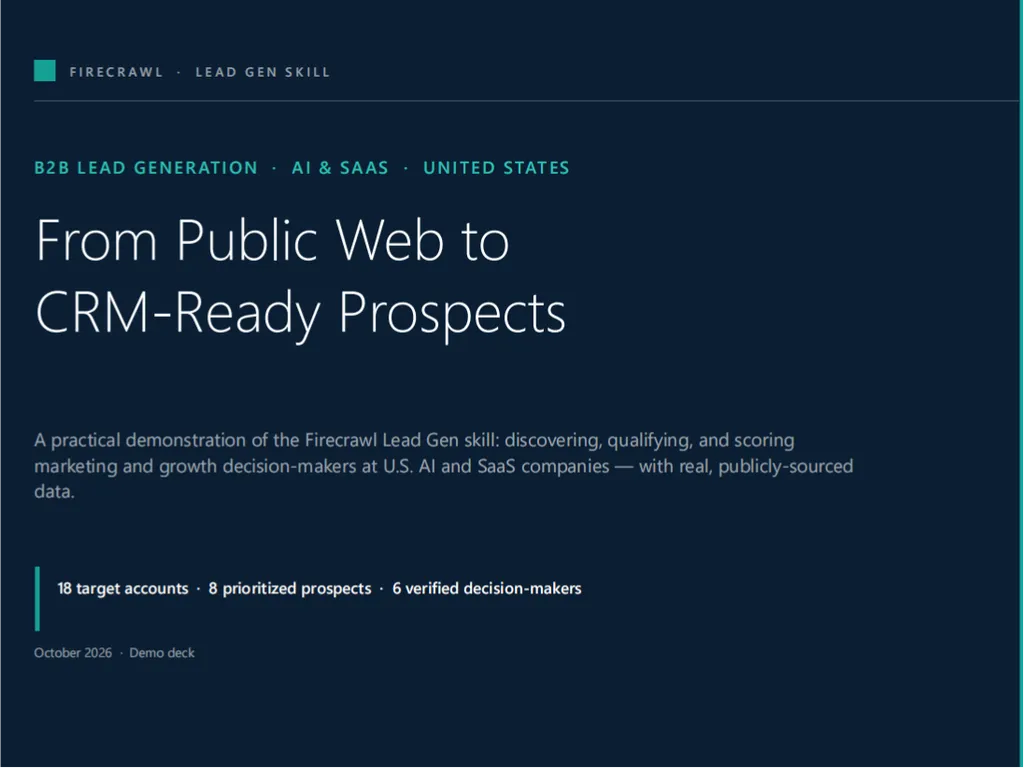
See a practical B2B lead generation strategy targeting US-based AI and SaaS companies, with structured prospect discovery, lead segmentation, qualification scoring, data quality analysis, and CRM-ready prospect lists generated by this Agent Skill.

Kom i gang

Kør din første opgave

  1. the first step of Firecrawl Lead Gen
    01

    Install

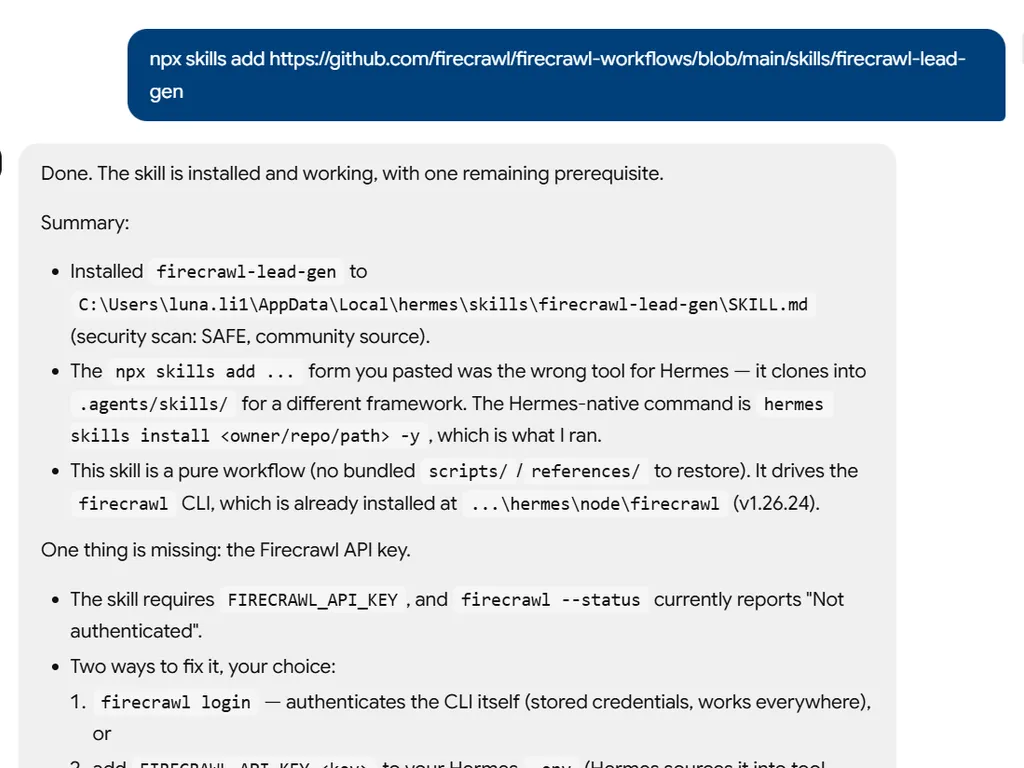
    Add the Firecrawl Lead Gen Skill to your AI agent.

  2. the second step of Firecrawl Lead Gen
    02

    Describe Task

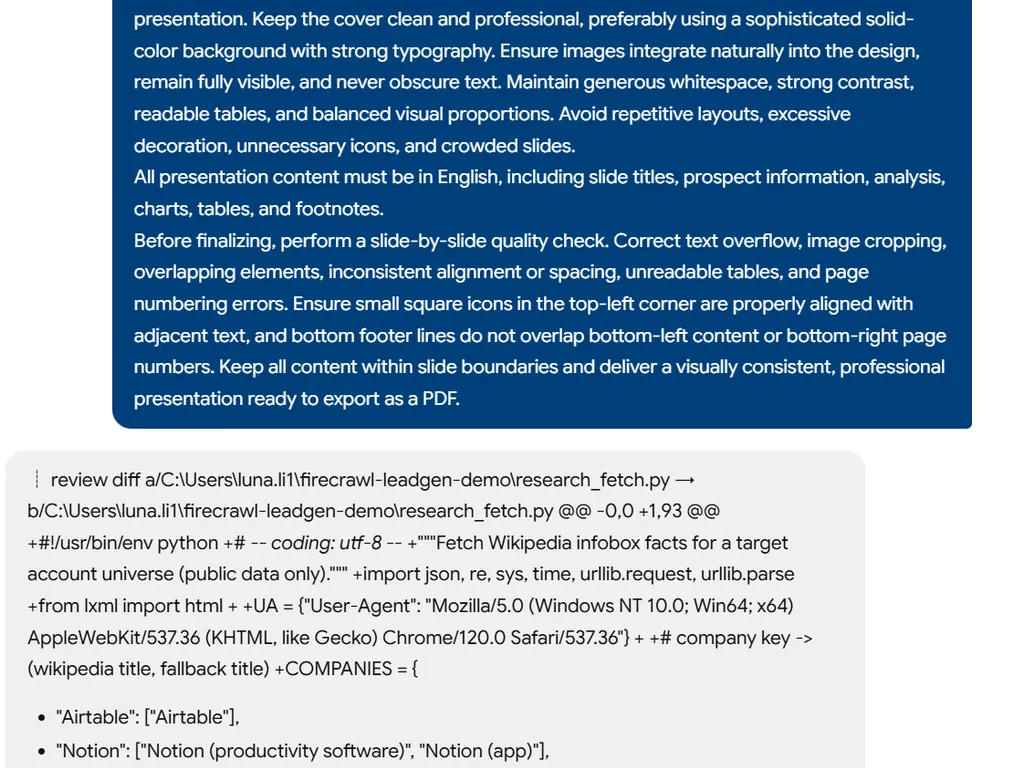
    Describe your target audience, industry, location, and lead generation goals.

  3. the third step of Firecrawl Lead Gen
    03

    Get a Qualified Lead List

    Get structured prospect data, lead qualification insights, deduplicated records, and CRM-ready exports.

Installationskommando

$ npx skills add https://github.com/firecrawl/firecrawl-workflows/blob/main/skills/firecrawl-lead-gen

Installationssignaler

Installationsaktivitet

Om

Firecrawl Lead Gen automates lead generation by extracting structured prospect lists from web databases and directories. Sales teams, marketers, and recruiters can quickly build targeted lists filtered by role, industry, location, and more, saving hours of manual research and ensuring data accuracy.

With Firecrawl’s browser automation, the skill handles complex search forms, pagination, and login-required databases out of the box. It captures key fields like name, title, company, and contact details where publicly visible, then deduplicates the records and exports them as clean CRM-ready JSON or CSV files.

Whether you’re sourcing leads for a new campaign, prospecting for investors, or building a list of technology adopters, Firecrawl Lead Gen streamlines the process while respecting ethical boundaries. It automatically notes any masked or paywalled fields and avoids CAPTCHAs, so you can build lists with confidence.

Nøglefunktioner

Hvad der gør den stærk

  • Automated Lead Extraction

    Scrape prospect databases and directories with Firecrawl browser, applying filters for role, industry, geography, and more to generate targeted lead lists.

  • Structured Data Capture

    Collect name, title, company, location, and contact info (where publicly visible) into clean, deduplicated records ready for outreach.

  • Flexible Export Formats

    Export CRM-ready JSON or CSV files, with smart handling of pagination, search forms, and login-required databases for seamless integration.

  • Ethical & Compliant

    Automatically notes masked, unavailable, or paywalled fields and avoids bypassing CAPTCHAs, ensuring legitimate data extraction.

Use cases

Hvornår du bør bruge den

  • Generate B2B lead lists by role

    Build a list of marketing directors at SaaS companies in the US for a targeted outreach campaign.

  • Prospect by technology stack

    Discover companies using specific technologies to fuel sales or partnership initiatives.

  • Support regional sales efforts

    Extract leads filtered by location and company size for territory-based lead generation.

  • Identify funded startups

    Find startups by funding stage and industry for investor or partnership prospecting.

SKILL.md

Firecrawl Lead Gen

Use this to extract legitimately accessible prospect lists.

Onboarding Interview

Infer the prospect target, source, lead count, and output format from context. If the target is clear, proceed immediately.

Ask at most 1-3 concise questions only if blocked, such as the prospect definition, source/auth requirement, or target lead count.

Firecrawl Collection Plan

Use Firecrawl browser for databases requiring filters, search forms, pagination, or login. Use search/scrape for public sources.

Apply filters such as role, company size, industry, geography, funding stage, and technologies when available.

Extraction Fields

Capture visible or legitimately accessible fields:

  • name
  • title
  • company
  • company URL
  • location
  • email, phone, and LinkedIn only when visible/allowed
  • industry, company size, funding stage
  • notes and profile URL

Final Deliverable

# Lead List: [Target]

## Summary
[Source, filters, count, caveats]

## Leads
[Table or link to JSON/CSV]

## Data Gaps
[Masked, unavailable, or paywalled fields]

## Rerun Inputs
workflow: firecrawl-lead-gen
target: [description]
source: [auto/source/url]
max_leads: [number]
output: [json/csv/markdown]

Quality Bar

  • Only extract publicly visible or legitimately accessible data.
  • Note masked, unavailable, or paywalled fields.
  • Deduplicate leads.
  • Do not bypass CAPTCHAs or access controls.

FAQ