Himalaya Email Agent Skill
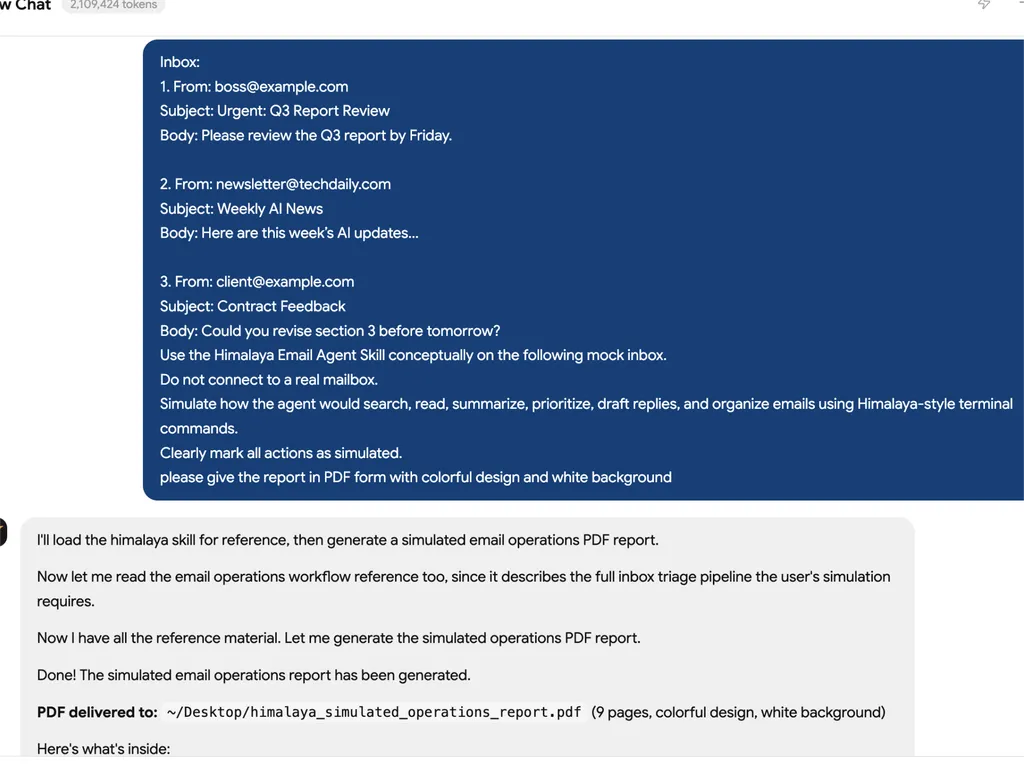
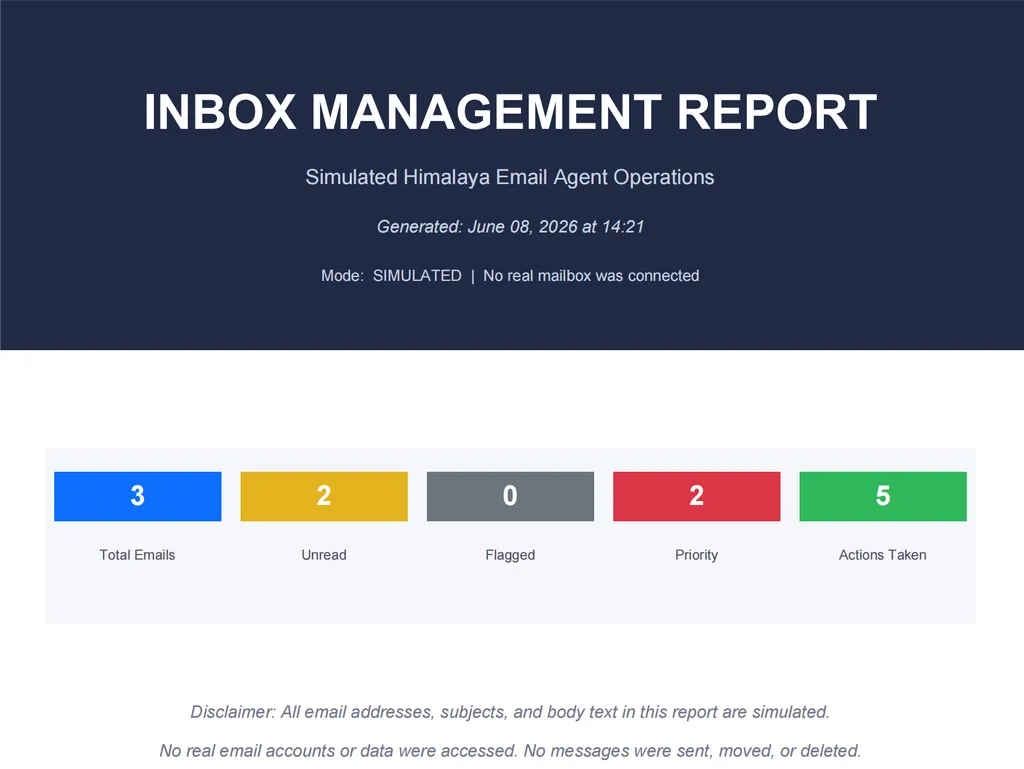
Use the Himalaya CLI to read, search, send, reply, forward, move, delete, and manage emails directly from the terminal.
Install
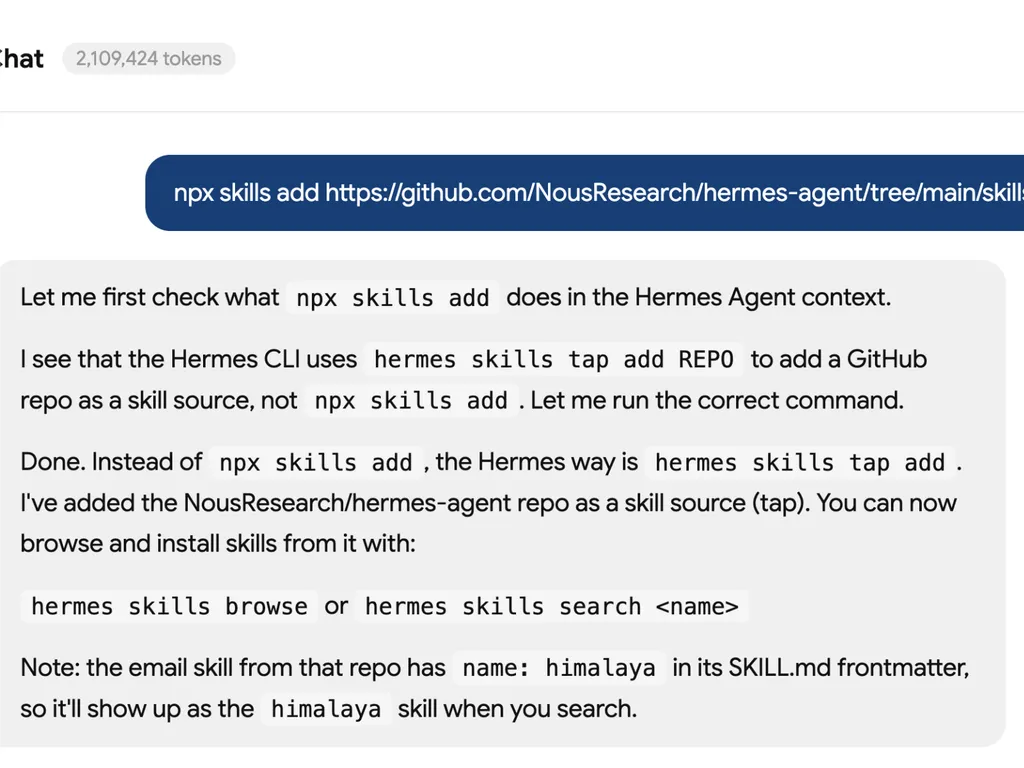
bash npx skills add https://github.com/NousResearch/hermes-agent/tree/main/skills/email
What It Does
Himalaya Email Agent Skill gives your AI agent terminal-based email capabilities through the external himalaya CLI.
It allows the agent to work with a real mailbox using IMAP and SMTP, making it useful for email triage, message search, mailbox cleanup, drafting replies, forwarding messages, and downloading attachments.
Key Features
- List email folders
- List emails from inbox or custom folders
- Search emails by sender, subject, or keyword
- Read plain text email content
- Export raw MIME messages
- Send new emails from the terminal
- Reply to existing email threads
- Forward messages
- Move or copy emails between folders
- Delete emails
- Add or remove email flags
- Work with multiple email accounts
- Download attachments
- Use JSON output for structured automation
Use Cases
- Email inbox management
- Email search and retrieval
- Automated email triage
- Drafting and sending replies
- Forwarding important messages
- Downloading attachments for later processing
- Building terminal-first email workflows
- Connecting agent workflows with IMAP/SMTP mailboxes
Requirements
Before using this skill, you need:
- Himalaya CLI installed
- A Himalaya config file at:
bash ~/.config/himalaya/config.toml
- IMAP and SMTP credentials configured securely
- Passwords stored through a secure method such as pass, system keyring, or another password command
Install Himalaya CLI
Recommended installation for Linux or macOS:
bash curl -sSL https://raw.githubusercontent.com/pimalaya/himalaya/master/install.sh | PREFIX=~/.local sh
macOS via Homebrew:
bash brew install himalaya
Install via Cargo:
bash cargo install himalaya --locked
Basic Setup
Run the interactive account configuration wizard:
bash himalaya account configure
Or create the config manually:
toml [accounts.personal] email = "you@example.com" display-name = "Your Name" default = true backend.type = "imap" backend.host = "imap.example.com" backend.port = 993 backend.encryption.type = "tls" backend.login = "you@example.com" backend.auth.type = "password" backend.auth.cmd = "pass show email/imap" message.send.backend.type = "smtp" message.send.backend.host = "smtp.example.com" message.send.backend.port = 587 message.send.backend.encryption.type = "start-tls" message.send.backend.login = "you@example.com" message.send.backend.auth.type = "password" message.send.backend.auth.cmd = "pass show email/smtp" folder.aliases.inbox = "INBOX" folder.aliases.sent = "Sent" folder.aliases.drafts = "Drafts" folder.aliases.trash = "Trash"
Common Commands
List folders
bash himalaya folder list
List inbox emails
bash himalaya envelope list
List emails in a specific folder
bash himalaya envelope list --folder "Sent"
Search emails
bash himalaya envelope list from john@example.com subject meeting
Read an email
bash himalaya message read 42
Send a new email
bash cat << 'EOF' | himalaya template send From: you@example.com To: recipient@example.com Subject: Test Message Hello from Himalaya! EOF
Reply to an email
bash himalaya template reply 42 | sed 's/^$/\nYour reply text here\n/' | himalaya template send
Forward an email
bash himalaya template forward 42 | sed 's/^To:.*/To: newrecipient@example.com/' | himalaya template send
Move an email
bash himalaya message move 42 "Archive"
Delete an email
bash himalaya message delete 42
Download attachments
bash himalaya attachment download 42
Output as JSON
bash himalaya envelope list --output json
Notes
This skill is designed for terminal-based mailbox operations. It depends on the external himalaya CLI and a correctly configured email account.
For agent workflows, piped input is usually more reliable than opening an interactive editor. JSON output is recommended when the agent needs to parse results programmatically.
Best For
- Developers who prefer terminal email workflows
- AI agents that need direct mailbox access
- Email automation tasks
- IMAP/SMTP based email management
- Lightweight personal productivity workflows
Source
GitHub:
text https://github.com/NousResearch/hermes-agent/tree/main/skills/email