![Chat interface showing a user command to install a skill via 'npx skills add [URL]', followed by an AI assistant response detailing the installation process: checking URL, handling interactive selector, installing successfully, verifying linkage in ~/.hermes/skills/, loading to test functionality, confirming 'kol-outreach-monitor' is installed and linked. The skill monitors KOL/influencer email outreach campaigns — tracking sent emails, detecting replies via email/signature/domain matching, auto-updating spreadsheets, generating follow-up recommendations. It is symlinked into ~/.hermes/skills/ and auto-loads when queried for outreach tracking, inbox checks, or influencer management. Interface includes 'New Chat' header, token count, message input field, and send button.](https://file.nanoskill.ai/outreach-monitor-install-1024x768.webp)
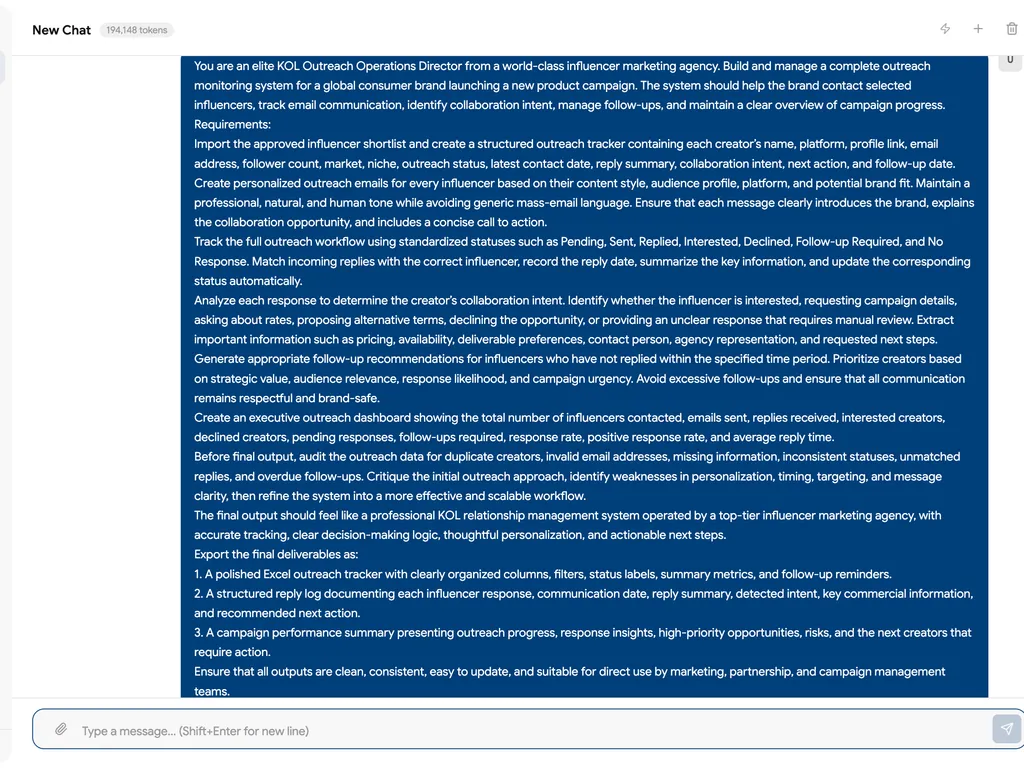
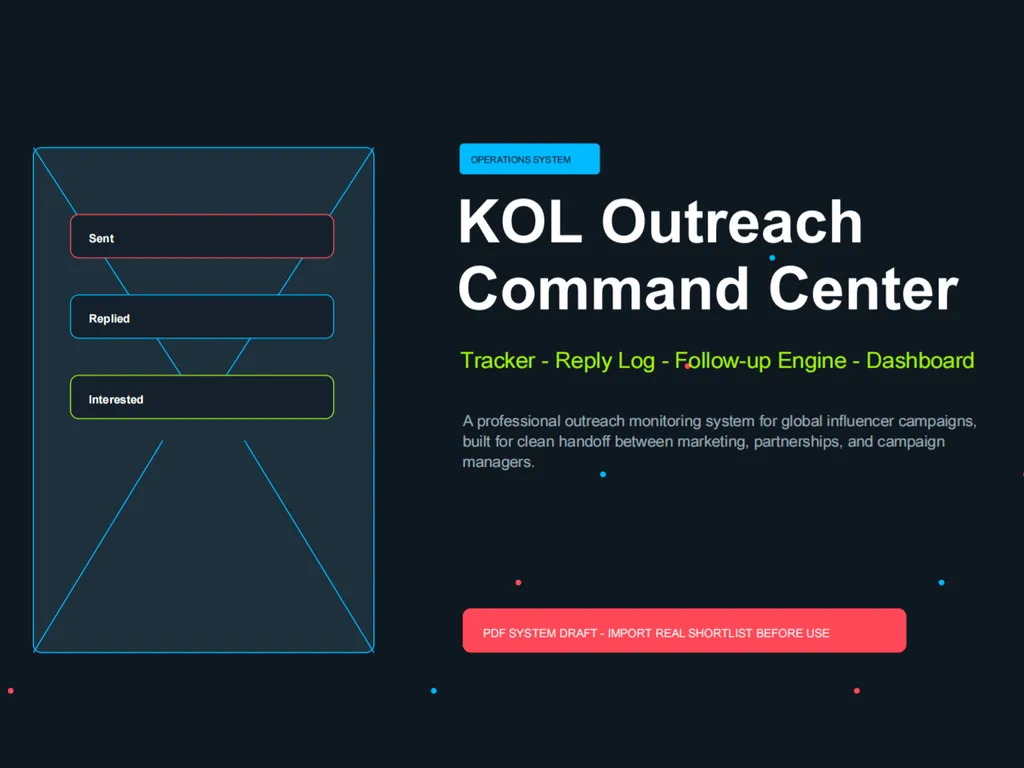
name: kol-outreach-monitor description: Monitor and manage KOL/influencer email outreach campaigns. Tracks sent emails, detects replies, identifies sender from email signatures, auto-updates KOL status in the tracker spreadsheet. Use when user wants to track influencer outreach emails, check for replies, update outreach status, or manage the communication pipeline with creators. Also trigger when user mentions MailerLite, email campaigns to influencers, or outreach tracking.
Skill 2: Outreach Monitor
Manages the email outreach pipeline — from sending to tracking replies to auto-updating KOL status.
When to Use
- User says "check my outreach inbox" or "any KOL replies?"
- User wants to send batch outreach emails
- User asks to update KOL contact status
- User mentions MailerLite or email campaign tracking
Prerequisites
- Screened shortlist from Skill 1 (or user-provided KOL list with emails)
- Email access configured (MailerLite API, Gmail, or other email provider)
Process
Step 1: Prepare Outreach List
From the screened shortlist (Skill 1 output), extract KOLs that have valid email addresses.
Create outreach tracker:
| Field | Description |
|---|---|
| KOL Name | Channel name |
| Contact email | |
| Platform | YouTube/TikTok/IG |
| Followers | Subscriber count |
| Status | Pending / Sent / Replied / Interested / Declined / No Response |
| Sent Date | When outreach was sent |
| Reply Date | When reply was received (if any) |
| Reply Summary | Auto-generated 1-line summary of reply content |
| Follow-up Due | Auto-calculated: Sent Date + 7 days |
| Notes | Free text for user |
Step 2: Email Sending (if MailerLite connected)
- Load email template (user provides or uses default)
- Personalize each email with KOL name and channel reference
- Send via connected email service
- Update status to
Sentwith timestamp
If no email service is connected, output a ready-to-send list with personalized email drafts that user can manually send.
Step 3: Reply Monitoring (Heartbeat Task)
This is ideal for periodic automated checking. On each check cycle:
- Scan inbox for new emails
- For each new email, attempt to match sender to outreach list by:
- Email address match (primary — match reply-from address to sent-to address)
- Email signature parsing (secondary — extract name, title, company from signature block)
- Domain matching (tertiary — match email domain to known KOL management agencies)
- If matched:
- Update status to
Replied - Parse reply content for intent signals:
- Contains price/rate →
Interested+ flag "rate negotiation needed" - Contains "interested" / "love to" / "let's discuss" →
Interested - Contains "not interested" / "pass" / "too busy" →
Declined - Ambiguous →
Replied+ flag for human review
- Contains price/rate →
- Auto-generate 1-line reply summary
- Update status to
- If not matched:
- Log to
unmatched-replies.mdfor manual review
- Log to
Step 4: Status Dashboard Update
After each monitoring cycle, update the tracker with:
- Total sent / replied / interested / declined / no response counts
- Response rate percentage
- Average response time
- KOLs with follow-up overdue (sent > 7 days ago, no reply)
Step 5: Follow-up Recommendations
Flag KOLs where:
- Status is
Sentand it's been > 7 days → suggest follow-up - Status is
Repliedbut not yet categorized → needs human review - Status is
Interested→ ready for Skill 1.5 deep evaluation
Output
campaign-workspace/02-outreach/outreach-tracker.xlsx— Main tracking spreadsheetcampaign-workspace/02-outreach/reply-log.md— Chronological log of all replies with summaries
Handoff
When interested KOLs are identified: "[X] KOLs have shown interest. Want me to run deep evaluation (Skill 1.5) on them to help you decide who to partner with?"
OpenClaw Heartbeat Integration
Add to HEARTBEAT.md for automated monitoring:
- Check email inbox for KOL outreach replies. If new replies found, update outreach-tracker.xlsx and notify me with a summary. If no new replies, HEARTBEAT_OK.