NanoSkill
submit your skill

Shopify Product Photography Skill

bynexscope-ai319GitHub starsGitHub

Get expert guidance on Shopify product photography—lighting, backgrounds, editing, and lifestyle shots. Create professional images that increase conversions. Start free.

ecommerceSecurity scan passed
Result preview

Full Demo

Explore a real Shopify product photography and visual content guide powered by this Skill.

Get started

Run Your First Task

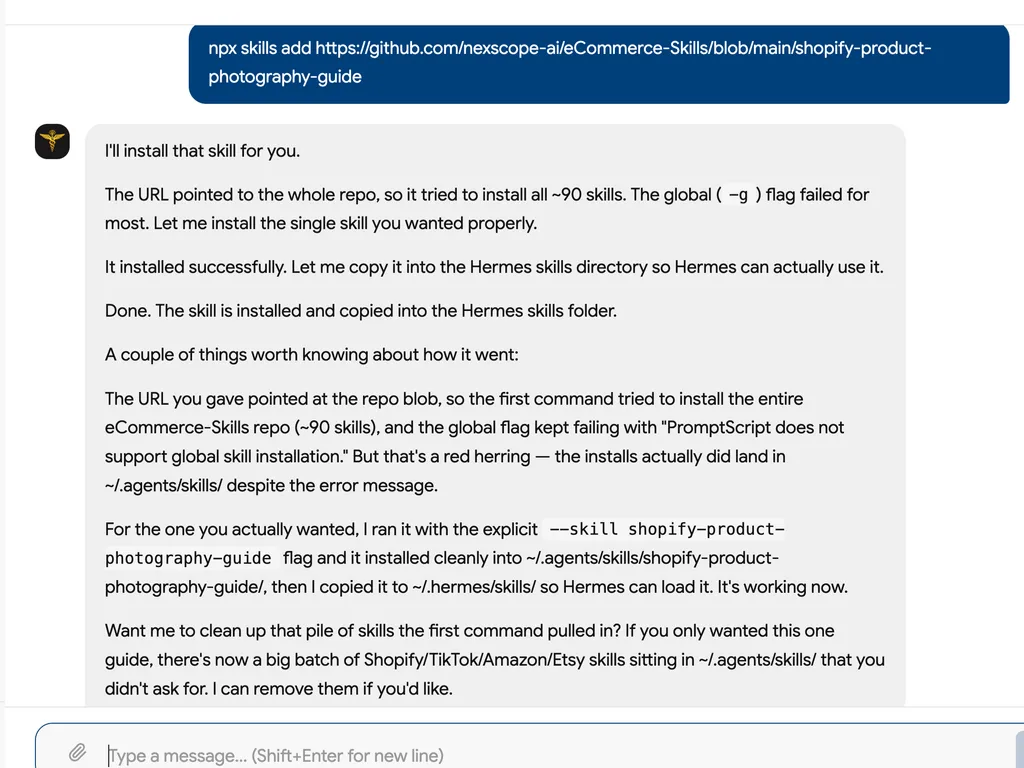
  1. A chat screenshot confirms successful installation of the Shopify product photography guide after correcting the original repository-wide command.
    01

    Install

    Add the Shopify Product Photography Guide Skill to your AI agent.

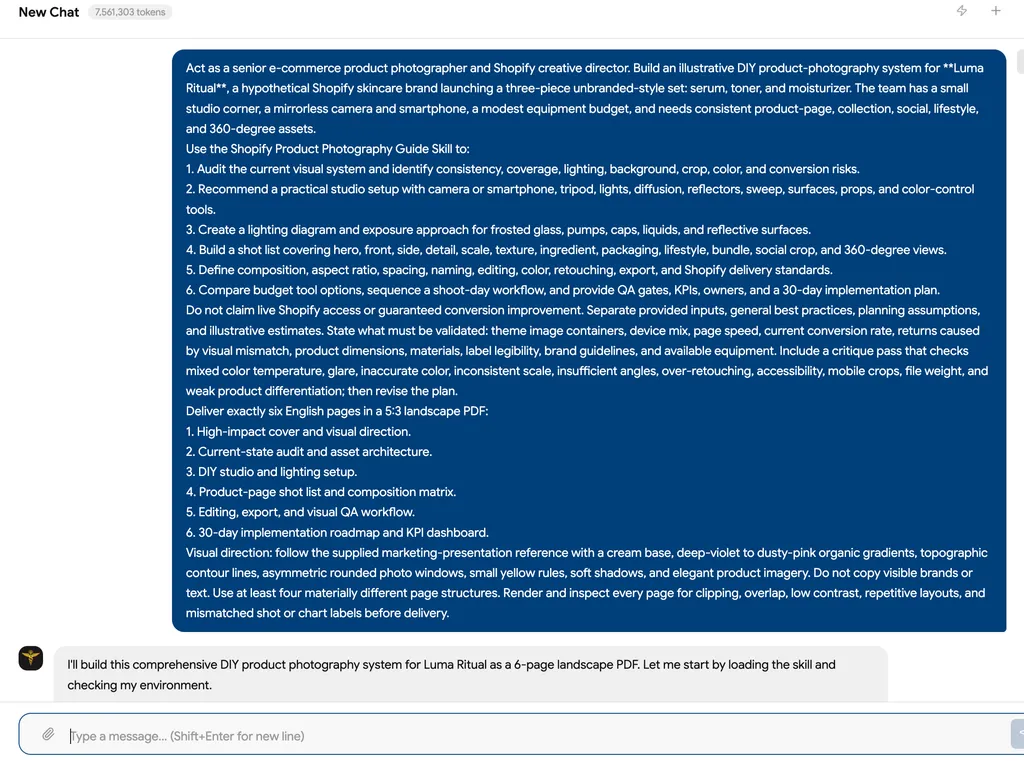
  2. A chat screenshot contains a detailed request for a six-page DIY Shopify product photography system for a skincare brand.
    02

    Build Shoot

    Share your products, materials, brand style, equipment, budget, image needs, and current visual problems to generate a photography plan.

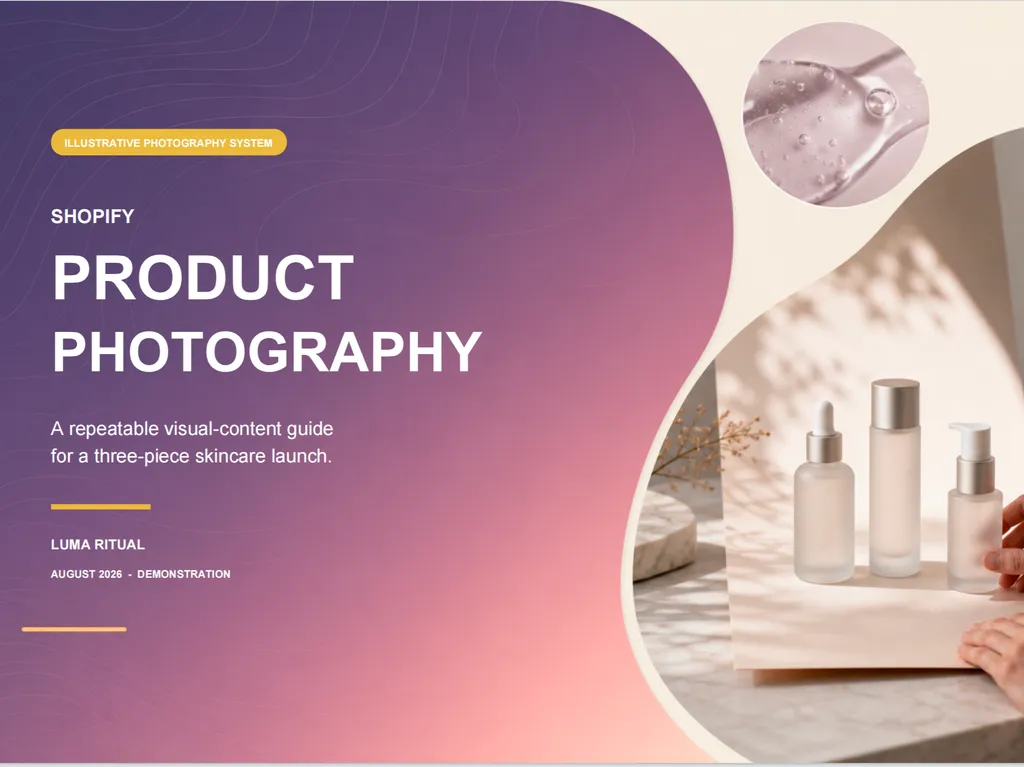
  3. A product photography report cover features three skincare bottles arranged in a softly lit studio setting
    03

    Review Assets

    Review lighting, color accuracy, shot coverage, mobile crops, file weight, visual consistency, and priority revisions before publishing.

Install command

$ npx skills add https://github.com/nexscope-ai/eCommerce-Skills/blob/main/shopify-product-photography-guide

Installation signals

Installation activity

About

The Shopify Product Photography Skill empowers ecommerce sellers to create high-quality product images without hired professionals. It solves the common problem of poor photography hurting sales by delivering expert, step-by-step guidance on lighting, backgrounds, editing, and lifestyle shots—all tailored to your Shopify store.

Unlike generic tutorials, this AI-powered skill analyzes your specific store setup, recommends the right equipment and techniques, and provides customized implementation plans. It compares tools and strategies so you can invest wisely, and its structured output helps you measure impact with clear KPIs.

Shopify merchants at any stage—from startups to established brands—can use the skill to audit their current images, learn DIY techniques, or plan a complete visual rebrand. The guidance covers everything from quick wins to long-term optimization, making professional product photography accessible and actionable for every seller.

Key features

What makes it powerful

  • Store Photography Audit

    Analyze your current product photography setup and uncover optimization opportunities tailored to your Shopify store.

  • Expert Recommendations

    Receive data-driven product photography advice based on industry best practices and proven conversion strategies.

  • Step-by-Step Plans

    Follow tailored, actionable plans to improve product images and align them with your business stage and goals.

  • Tool Comparisons

    Compare photography tools, apps, and strategies with clear pros and cons to make cost-effective decisions.

  • Lifestyle & 360° Shots

    Learn to create compelling lifestyle and 360-degree product views that drive engagement and sales.

Use cases

When to reach for it

  • Audit Your Product Photography

    Evaluate your existing Shopify product images and get a detailed improvement report with quick wins and long-term steps.

  • Create an Implementation Roadmap

    Generate a step-by-step plan to upgrade your product photography over time, complete with KPIs to track progress.

  • Compare Photography Tools

    Get recommendations on cameras, lighting kits, and editing software with cost comparisons for your budget.

  • Learn DIY Techniques

    Master lighting, backgrounds, and composition from expert guidance—ideal for sellers without a professional studio.

SKILL.md


name: shopify-product-photography-guide description: "DIY product photography — setup, lighting, backgrounds, editing, lifestyle shots, 360 views" metadata: nexscope: category: shopify

Shopify Product Photography Guide

DIY product photography — setup, lighting, backgrounds, editing, lifestyle shots, 360 views.

Status

🔶 Beta — This skill provides expert guidance and actionable frameworks for Shopify sellers.

Capabilities

  • Analyze your current Shopify store setup and identify optimization opportunities
  • Provide data-driven recommendations based on industry best practices
  • Generate step-by-step implementation plans tailored to your business stage
  • Compare tools, apps, and strategies with pros/cons analysis

Install

npx skills add nexscope-ai/eCommerce-Skills --skill shopify-product-photography-guide -g

Usage

After installation, ask your AI assistant about shopify product photography guide topics. Example prompts:

  • "Help me with shopify product photography guide for my Shopify store"
  • "What are the best practices for shopify product photography guide?"
  • "Audit my current shopify product photography guide setup and suggest improvements"
  • "Create a step-by-step shopify product photography guide implementation plan"

Output

Structured analysis and recommendations including:

  • Current state assessment
  • Priority action items (quick wins → long-term)
  • Tool/app recommendations with cost comparison
  • Implementation timeline
  • KPIs to track

Limitations

  • Provides strategic guidance, not direct Shopify API integration
  • Recommendations based on general best practices — always validate with your specific store data
  • For real-time analytics and automated optimization, check out Nexscope

Built by Nexscope — AI-powered e-commerce tools for sellers worldwide.

FAQ