NanoSkill
submit your skill

Social Commerce Setup Skill

bynexscope-ai319GitHub starsGitHub

Set up a high-converting Facebook Shop and Instagram Shopping for your Shopify store with product tagging and social checkout. Start in minutes.

shopifySecurity scan passed
Result preview

Full Demo

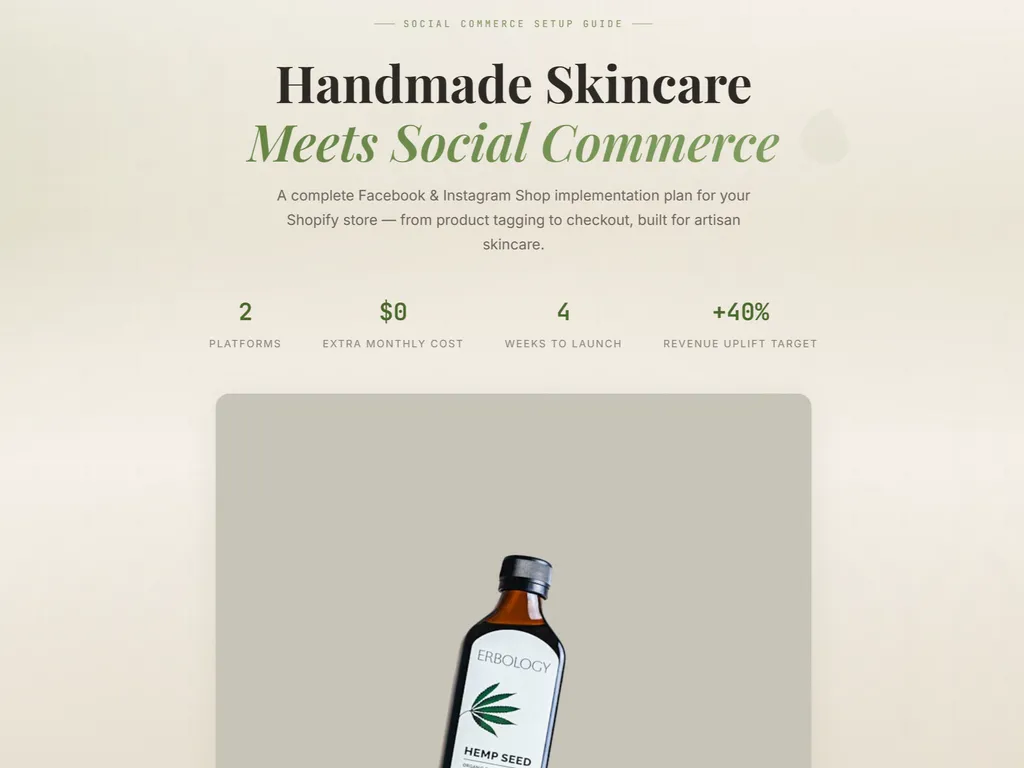
See a Shopify social commerce setup plan with Facebook Shops, Instagram Shopping, product tagging, and implementation recommendations generated by this Agent Skill.

Get started

Run Your First Task

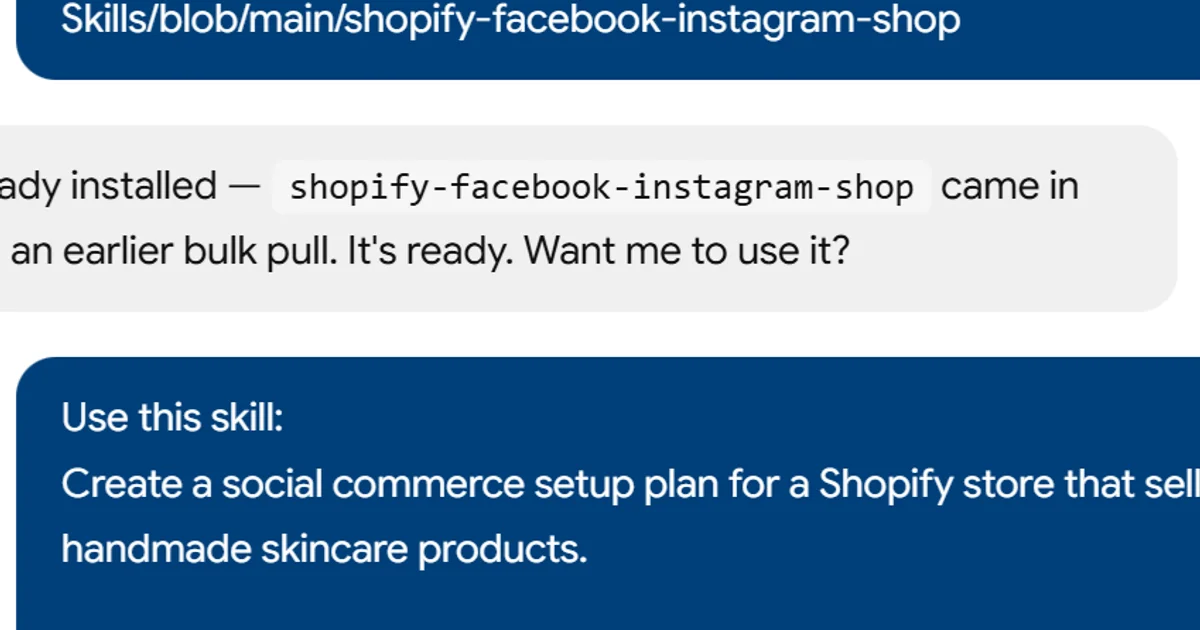
  1. a simple demonstration of the first step in using Social Commerce Setup Skill
    01

    Install

    Add the skill to your agent.

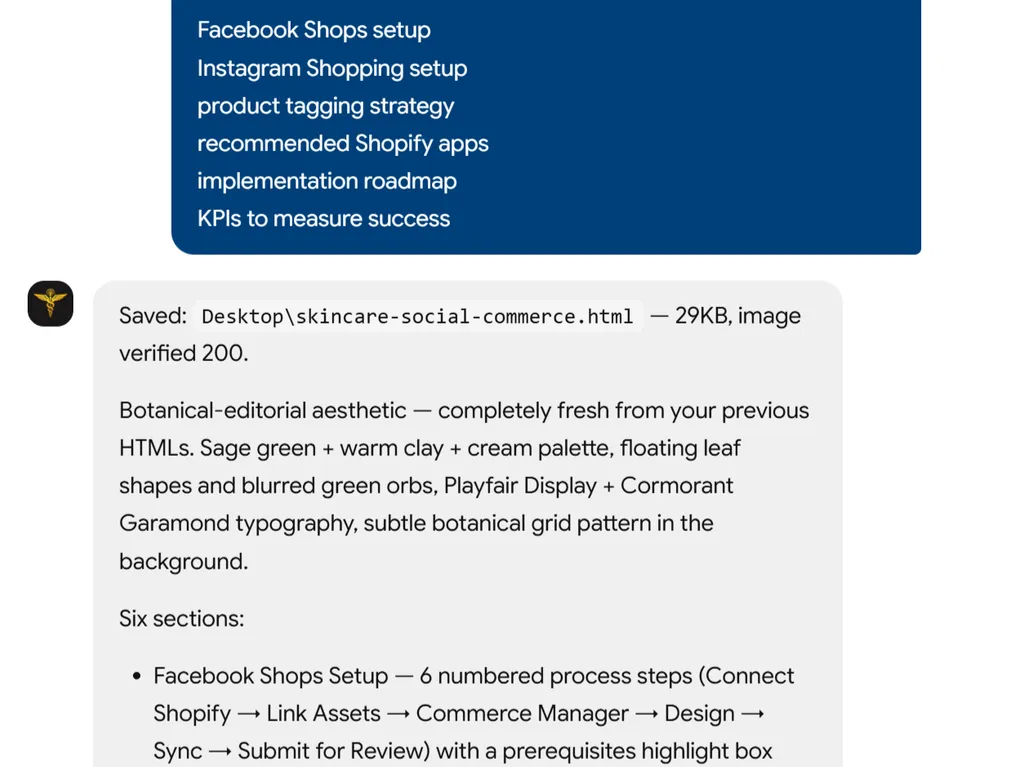
  2. a simple demonstration of the second step in using Social Commerce Setup Skill
    02

    Describe Your Store

    Share your Shopify store and social commerce goals.

  3. a simple demonstration of the third step in using Social Commerce Setup Skill
    03

    Review Result

    Get a tailored social commerce setup plan and recommendations.

Install command

$ npx skills add https://github.com/nexscope-ai/eCommerce-Skills/blob/main/shopify-facebook-instagram-shop

Installation signals

Installation activity

About

Social commerce setup for Shopify stores can be complex, but this skill simplifies it by turning weeks of research into a structured, actionable plan. It helps you launch high-converting Facebook Shops and Instagram Shopping experiences, complete with product tagging and social checkout, driving more sales from social platforms.

Unlike generic guides, this skill provides tailored recommendations based on your unique store stage, comparing the best apps and strategies with clear pros and cons. You’ll get a prioritized roadmap—from quick wins to long-term optimizations—along with KPI tracking to measure success.

Whether you’re a new Shopify merchant launching your first social store or an established brand optimizing an existing setup, the skill adapts to your needs. Use it to audit your current configuration, implement best practices, or plan a full social commerce strategy that aligns with your business goals.

Key features

What makes it powerful

  • Social Commerce Audit

    Analyze your current Shopify store setup to identify quick wins and long-term optimization opportunities for Facebook and Instagram selling.

  • Tailored Implementation Plan

    Get a step-by-step roadmap specific to your business stage, from initial configuration to advanced product tagging and social checkout.

  • App & Tool Comparison

    Compare social commerce apps and Shopify integrations with clear pros, cons, and cost analyses so you can choose the right stack.

  • Data-Driven Recommendations

    Receive best-practice guidance backed by industry benchmarks, helping you improve conversion rates and track KPIs effectively.

Use cases

When to reach for it

  • Launch your Facebook Shop

    New Shopify merchants can follow a structured checklist to set up a fully functional Facebook Shop and start selling quickly.

  • Optimize Instagram product tagging

    Brands already on Instagram use the skill to refine product tagging, improve discoverability, and streamline the social checkout flow.

  • Compare social commerce tools

    E‑commerce managers evaluate apps like Shopify's Facebook channel, CommentSold, and others to find the best fit for their workflow.

  • Build a social selling roadmap

    Agencies and consultants create phased implementation plans that align social commerce initiatives with broader marketing goals.

SKILL.md

Shopify Facebook & Instagram Shop

Social selling setup — Facebook Shop, Instagram Shopping, product tagging, social checkout.

Status

🔶 Beta — This skill provides expert guidance and actionable frameworks for Shopify sellers.

Capabilities

  • Analyze your current Shopify store setup and identify optimization opportunities
  • Provide data-driven recommendations based on industry best practices
  • Generate step-by-step implementation plans tailored to your business stage
  • Compare tools, apps, and strategies with pros/cons analysis

Install

npx skills add nexscope-ai/eCommerce-Skills --skill shopify-facebook-instagram-shop -g

Usage

After installation, ask your AI assistant about shopify facebook & instagram shop topics. Example prompts:

  • "Help me with shopify facebook & instagram shop for my Shopify store"
  • "What are the best practices for shopify facebook & instagram shop?"
  • "Audit my current shopify facebook & instagram shop setup and suggest improvements"
  • "Create a step-by-step shopify facebook & instagram shop implementation plan"

Output

Structured analysis and recommendations including:

  • Current state assessment
  • Priority action items (quick wins → long-term)
  • Tool/app recommendations with cost comparison
  • Implementation timeline
  • KPIs to track

Limitations

  • Provides strategic guidance, not direct Shopify API integration
  • Recommendations based on general best practices — always validate with your specific store data
  • For real-time analytics and automated optimization, check out Nexscope

Built by Nexscope — AI-powered e-commerce tools for sellers worldwide.

FAQ