Best Agent Skills for UX Design in 2026
A curated list of the best agent skills for UX designers, covering the full UX lifecycle from ideation to interface design.
The most useful UX skills aren't always the ones that generate the best-looking interfaces. In practice, UX work involves much more than screens: exploring ideas, documenting systems, reviewing implementations, defining design systems, and communicating decisions across teams.
Our team reviewed UX-related agent skills across the entire workflow and selected seven that consistently produced outputs designers could actually use.
How We Evaluated These Skills
We evaluated relevant agent skills mainly against three criteria:
- The skill had to solve a real UX workflow bottleneck, not a novelty demo.
- It had to produce output a UX designer could actually use: editable files, ship-ready artifacts, or actionable audits.
- Each skill had to offer something the others don't.
These 7 cover the full UX lifecycle: ideation (Brainstorming), wireframing (HTML Mockup Sketcher), interface design (Frontend Design, UI UX Pro Max), prototyping (HTML Anything), brand identity (Brandkit), and QA (Web Design Guidelines).
Quick Comparison
| Skill | Best For | Generates | Unique Advantage |
|---|---|---|---|
| Anthropic Frontend Design | Design quality | Process + code | Self-critique loop prevents AI-default aesthetics |
| HTML Mockup Sketcher | Wireframes & layout exploration | HTML mockups | Multiple UI directions from a single brief |
| HTML Anything | Multi-format output | HTML artifacts | 75 templates × 9 surfaces, one-click social export |
| Vecel Web Design Guidelines | UX QA & audits | Audit reports | Automated accessibility + UX compliance checker |
| Brainstorming Ideas Into Designs | Ideation rigor | Design decisions | Process guard prevents premature implementation |
| UI UX Pro Max | Design systems | Complete design systems | 161 rules, anti-pattern detection, persistable MASTER.md |
| Brandkit Image Generation | Brand identity | Brand-kit images | Generates cohesive brand systems before UI design |
7 Best Agent Skills for UX Design
Anthropic Frontend Design
Visit at: https://github.com/anthropics/skills/tree/main/skills/frontend-design
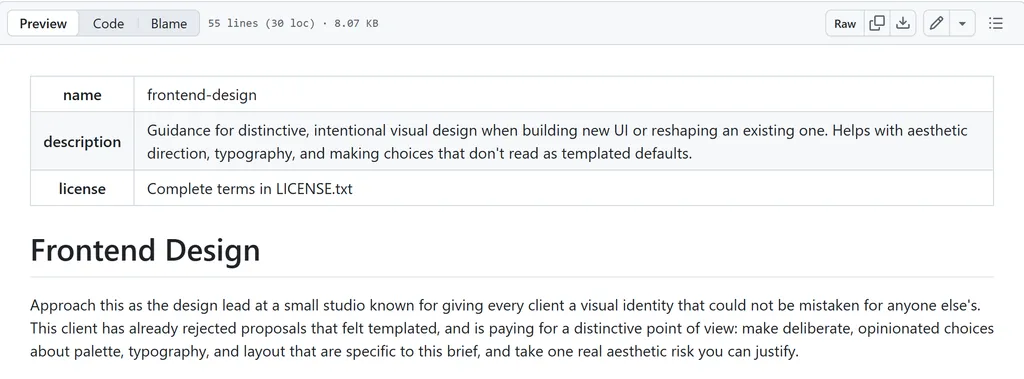
Best for: Any interface the agent builds: landing pages, dashboards, prototypes. Use it whenever you need the output to look designed, not generated.
It's more like a design process enhancer, forcing deliberate, opinionated choices about palette, typography, layout, and a signature element.
What makes it unique is the self-critique loop: brainstorm a token system (4–6 hex values, 2+ typeface roles, layout concept, signature element) → critique against AI-default aesthetics → revise → only then build. It explicitly calls out the three AI-design clichés: warm cream + terracotta, near-black + acid green, and broadsheet hairline rules. The skill makes the agent avoid these unless the brief demands them.
For UX designers, this is most useful when you need to turn generic AI-generated UI into something that actually has a clear design direction, especially when everything else looks default and indistinguishable.
HTML Mockup Sketcher
Visit at: https://nanoskill.ai/skills/html-mockup-sketcher
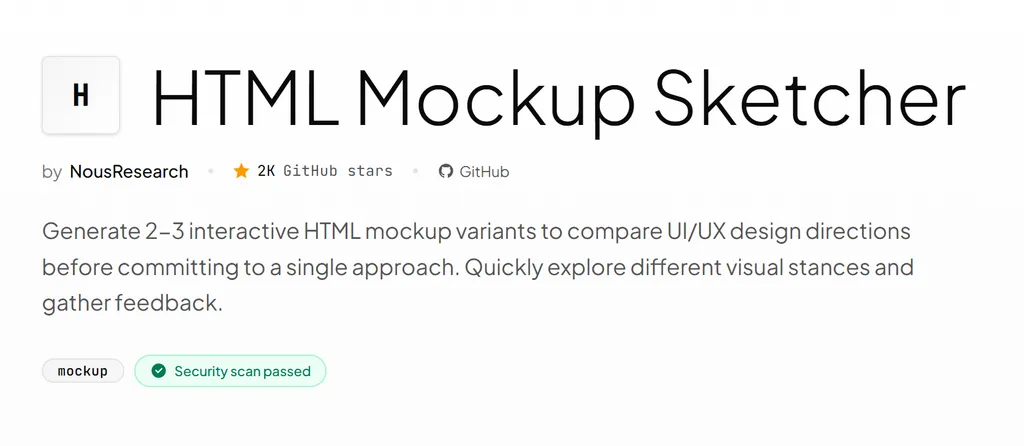
Best for: Rapid wireframing and layout comparison before committing to a direction.
HTML Mockup Sketcher takes a product idea or feature description and generates 2–3 complete, interactive HTML wireframes, each taking a different visual stance. Every variant ships as a standalone HTML file with inline CSS, system fonts, realistic placeholder content, and functional interactivity: hover states, clickable navigation, at least one meaningful state transition.
What makes it useful for UX work is the structured comparison it produces. Alongside each variant, the agent writes a README explaining the design rationale, the trade-offs it made, and which use case the variant suits best. It also generates a comparison table across all variants with an opinionated recommendation. This turns the typical "one-pick" choice into a documented decision with evidence.
HTML Anything
Visit at: https://github.com/nexu-io/html-anything
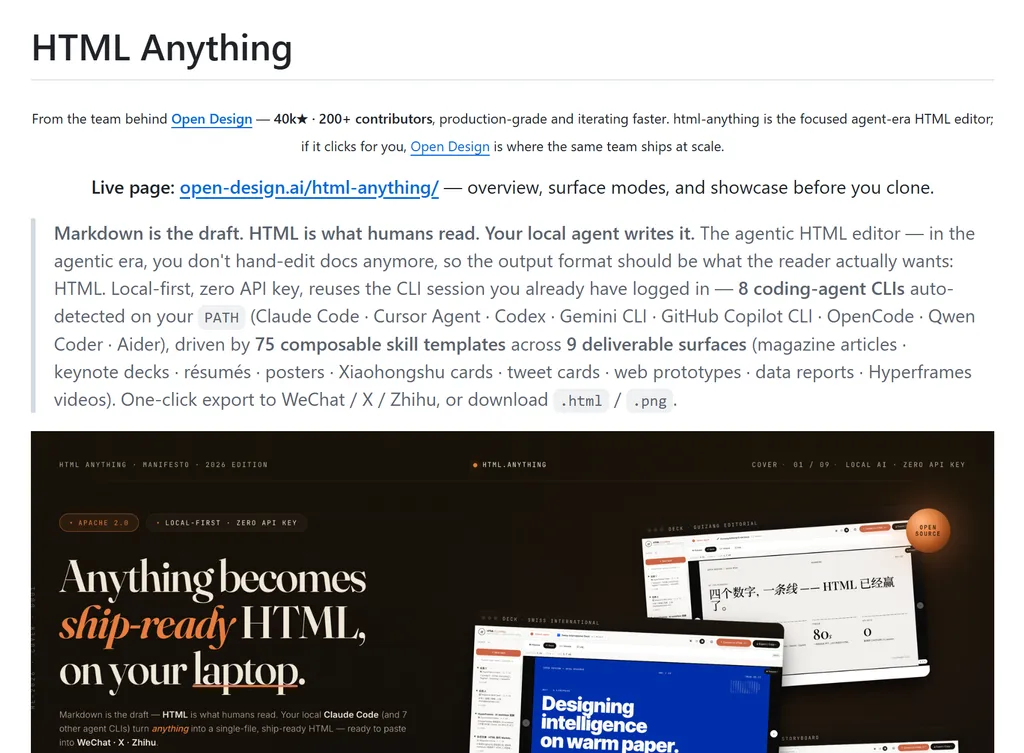
Best for: Rapid prototyping across formats, social-media deliverables, stakeholder presentations that need to look finished immediately.
HTML Anything is an agentic HTML editor with 75 skill templates across 9 deliverable surfaces: magazine articles, keynote decks, résumés, posters, Xiaohongshu cards, tweet cards, web prototypes, data reports, and Hyperframes videos. It auto-detects 8 coding-agent CLIs on your PATH and generates ship-ready single-file HTML with one-click export to WeChat, X, Zhihu, HTML, or PNG.
The core philosophy: Markdown is the draft. HTML is what humans read. Instead of an agent writing markdown you then style yourself, HTML Anything produces the final artifact your audience sees.
The template library removes much of the layout work. Rather than starting from a blank canvas, you choose a format and focus on the content. The output is a complete HTML page, not just a rough mockup.
Vecel Web Design Guidelines
Visit at: https://github.com/vercel-labs/agent-skills/tree/main/skills/web-design-guidelines
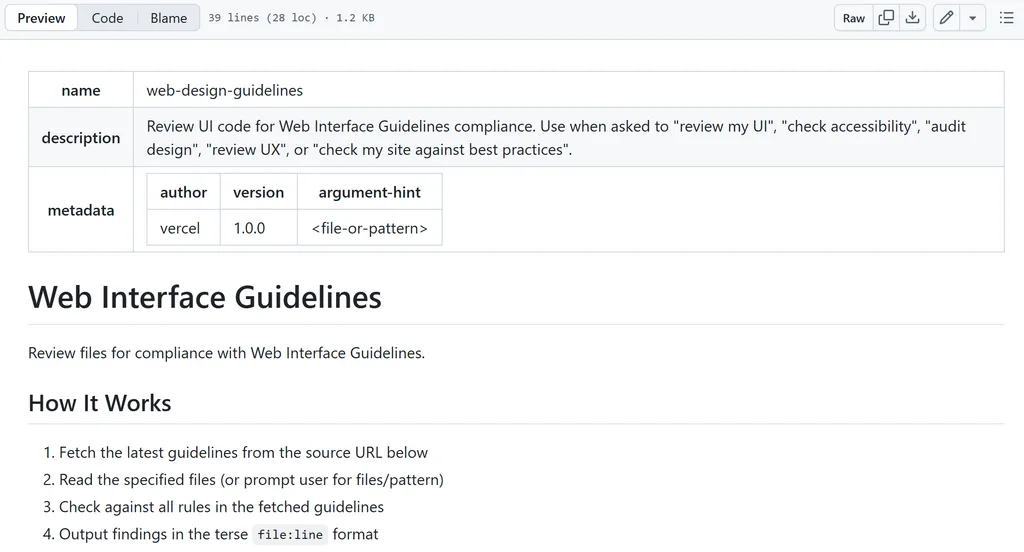
Best for: Design QA on shipped UI, pre-launch accessibility audits, catching regressions after component refactors.
Different from every other skill on this list, it's best for auditing. Given a file or pattern, the agent fetches the latest Web Interface Guidelines (from Vercel's open-source rule set) and checks your UI code for violations — accessibility gaps, missing focus states, form UX errors, animation issues, and typography mistakes. Output is in terse file:line format.
The rules are practical, not academic. It catches icon-only buttons missing aria-label, forms blocking paste events, outline: none without focus replacements, transition: all performance traps, straight quotes where curly quotes belong, and dozens of other real-world UX regressions that survive code review.
For UX designers reviewing developer output, this replaces hours of manual checklist work with one command. The agent becomes your accessibility and UX-compliance auditor.
Brainstorming Ideas Into Designs
Visit at: https://nanoskill.ai/skills/brainstorming-ideas-to-designs
Best for: Feature design kickoffs, architecture decisions, any situation where the problem space isn't fully mapped.
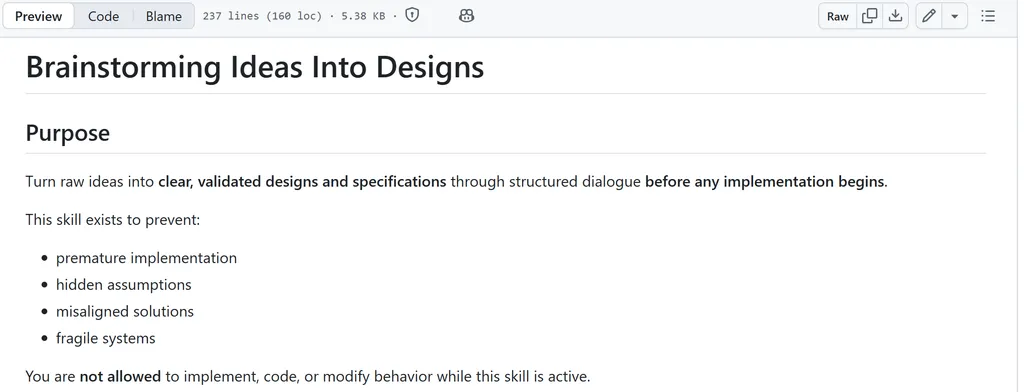
This skill doesn't try to generate a solution immediately. Instead, it slows the conversation down and focuses on understanding the problem first.
The workflow is highly structured. It reviews the existing context, asks clarifying questions one at a time, and pushes you to define requirements before discussing solutions. At times it can feel restrictive, but that's also its main strength.
The biggest benefit is preventing the agent from rushing into implementation. Rather than producing a polished design based on incomplete information, it forces a clearer discussion of goals, constraints, and trade-offs first. The result is often a solution that better matches the actual problem instead of one that simply looks convincing at first glance.
UI UX Pro Max
Visit at: https://github.com/nextlevelbuilder/ui-ux-pro-max-skill
Best for: New project kickoffs, design system creation, ensuring visual consistency across multi-page applications, stack-specific UI implementation.
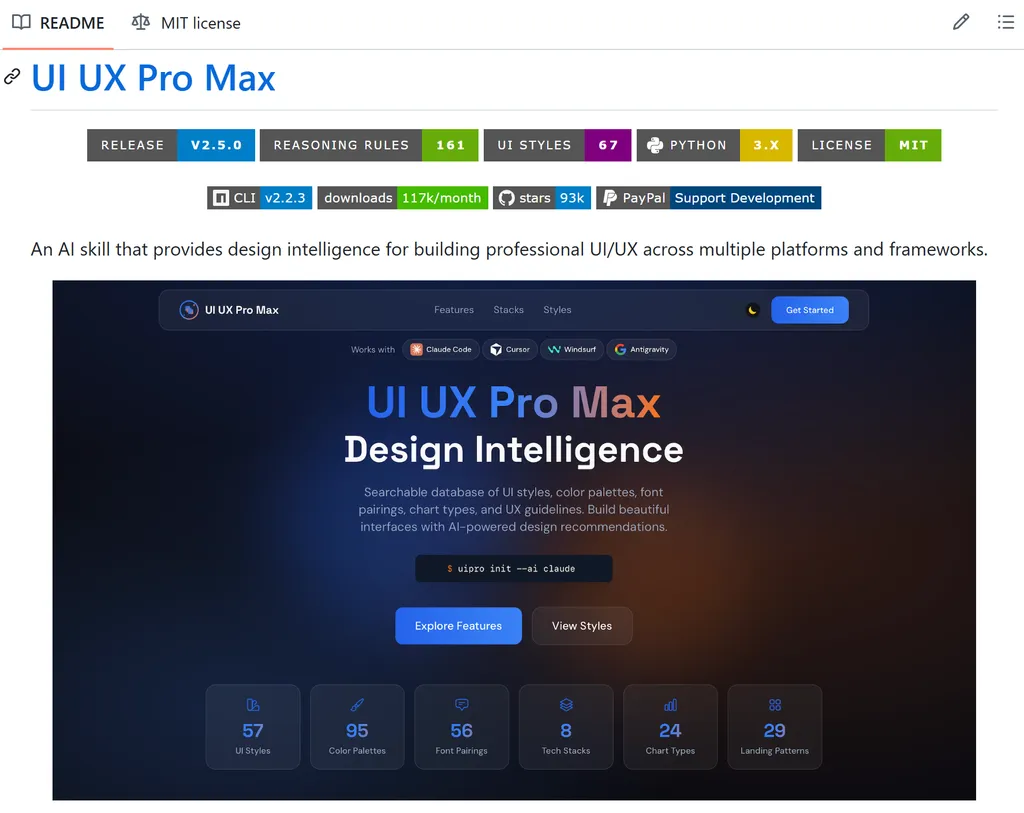
UI UX Pro Max is one of the most comprehensive design-intelligence skill available. It contains 161 reasoning rules and 67 UI styles, and its flagship feature is an AI-powered design system generator: give it a product description, and it outputs a complete design system, including conversion pattern, visual style, color palette, typography pairing, key effects, anti-pattern warnings, and a pre-delivery checklist.
The generated design system is persistable as MASTER.md with page-specific override files, creating a hierarchical design source of truth across sessions. It supports 10+ stacks: React, Next.js, Vue, Nuxt, Angular, Laravel, Svelte, SwiftUI, Jetpack Compose, React Native, and Flutter.
One detail we liked is that the skill actively flags common AI-generated UI mistakes. It warns against things like overused purple gradients, emoji-based icons, weak contrast, and missing interaction states, which show up surprisingly often in AI-produced designs.
Brandkit Image Generation
Visit at: https://nanoskill.ai/skills/brandkit-image-generation
Best for: Brand exploration before UI build, pitch decks, investor presentations, rebranding projects, design system foundations.
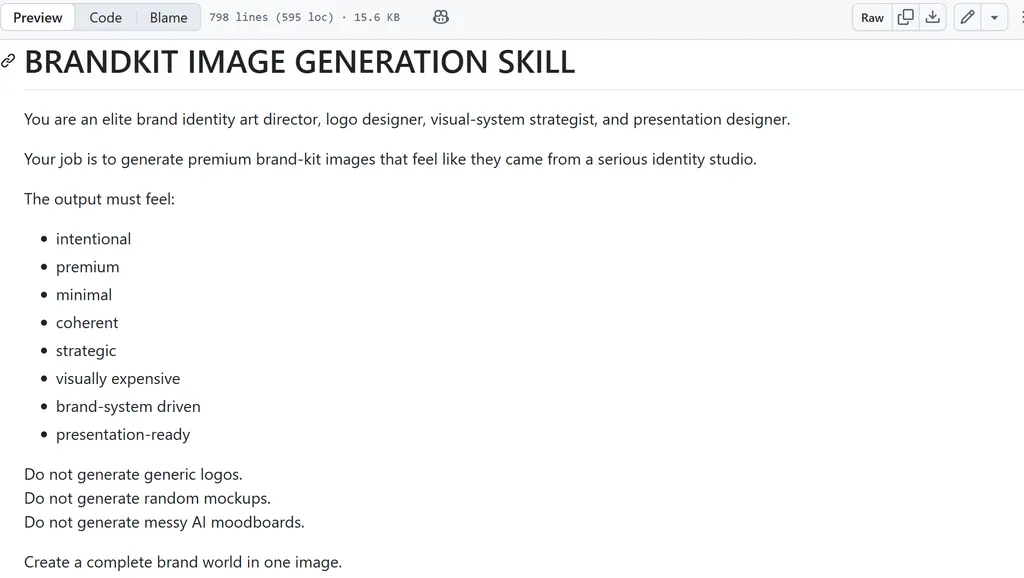
Unlike most design skills that focus on screens and components, Brandkit focuses on the identity behind them.
The outputs combined logo explorations, color systems, typography choices, mockups, and visual references into a single board. The presentation style is polished and cohesive, making it easy to evaluate whether the different elements feel like part of the same brand.
As a result, this can be useful during the early stages of a project. Rather than designing around temporary branding, you can establish a visual direction first and let it inform later interface decisions.
Wrap-up
No single skill here replaces a design practice: each one targets a specific moment in the UX lifecycle rather than the whole thing.
- Starting from a blank problem? Brainstorming keeps the agent from jumping to solutions before the requirements are clear.
- Exploring layouts and user flows? HTML Mockup Sketcher generates multiple directions quickly, making early-stage iteration easier.
- Establishing a visual identity before any screens exist? Brandkit gives you a brand world to react to first.
- Building the actual interface or a full design system? Frontend Design and UI UX Pro Max both fight AI-default aesthetics, just at different scales — one polishes a single surface, the other generates and persists a whole system.
- Need something stakeholders can see today? HTML Anything turns a draft into a finished, shareable artifact across nine formats.
- Shipped and want to catch what slipped through? Web Design Guidelines is the closest thing to an automated UX audit.
In practice, the highest-leverage approach is combining several of these skills rather than relying on a single one. Used together, they can support everything from early ideation and wireframing to interface design, design systems, branding, prototyping, and quality assurance.
FAQ
Which UX design tasks benefit most from agent skills?
Agent skills are most effective for structured, repeatable UX workflows such as wireframing, information architecture mapping, design system creation, accessibility reviews, and documentation. They are generally less effective for user research synthesis, stakeholder alignment, and strategic product decisions, where human judgment remains essential.
Can agent skills replace Figma in a UX workflow?
Not entirely.
Most agent skills complement design tools rather than replace them. Skills can accelerate ideation, generate prototypes, document architecture, or review designs, but visual refinement, collaboration, and final production design still typically happen inside tools like Figma.
What is the difference between a UX design skill and a design AI tool?
A design AI tool focuses on generating an output. A UX skill focuses on guiding the process that produces that output.
For example, a tool may generate a screen from a prompt, while a skill may define how requirements are gathered, how design decisions are evaluated, or how accessibility checks are performed before the screen is created.
I'm not sure if agent skills are right for my team. Where do I start?
Try one task you already do repeatedly, like a user flow, a wireframe annotation, or a heuristic review. If a skill can handle the first draft, you've found a good starting point. If the output needs heavy editing every time, that task probably still needs a human in the loop.