Best 7 PDF Agent Skills in 2026 for OCR, Parsing, and RAG
Discover the best PDF agent skills for OCR, document parsing, and AI workflows. Compare top tools for extracting, converting, and processing PDFs.
Gartner says professionals spend 47% of their time searching for information. Among these tasks, dealing with complex PDF files is indeed a challenge — several hours a month are lost to a format that was supposed to make documents portable, not painful. Fortunately, a new generation of agent-driven PDF skills is changing the game — delivering AI tools that don't just extract text but truly understand layout, tables, forms, and even handwriting, wrapping it all into workflows you can seamlessly chain together.
The 7 Best PDF Agent Skills in 2026
We evaluated these seven PDF agent skills based on their OCR precision, layout and table preservation, Markdown output accuracy, and how seamlessly they plug into real-world RAG and agent workflows.
Quick Comparison
| Tool | GitHub Stars | License | Best For |
|---|---|---|---|
| MinerU | 66k | Apache-2.0-based | Complex documents with tables, formulas, multi-column layouts |
| Docling | 61k | MIT | Structured output with LLM-ready document chunks |
| Marker | 36k | GPL-3.0 | Fast, clean text extraction with formula support |
| OCRmyPDF | 34k | MPL-2.0 | Adding searchable text layers to scanned PDFs |
| Unstructured | 15k | Apache-2.0 | Connecting PDF content to RAG pipelines |
| PyMuPDF | 9.9k | AGPL-3.0 | Programmatic PDF manipulation + text extraction |
| Nano-PDF | 1.3k | MIT | Lightweight text editing inside existing PDFs |
Here's how they stack up.
1) MinerU
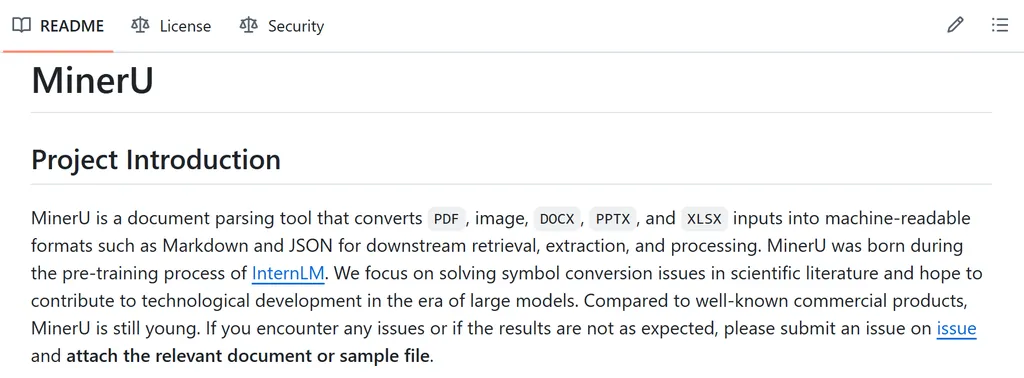
Best for: Converting complex, multi-column PDFs into clean markdown with accurate tables and formulas.
MinerU is the closest thing to a universal PDF parser. It combines a VLM-based layout analyzer with a traditional OCR engine — the VLM handles document structure (headings, tables, reading order), while the OCR handles the actual text recognition. The result is one of the best table extraction and formula rendering we've seen in any open-source tool.
Why it's great: If you're building an agent that processes research papers, financial reports, or medical documents — anything with complex layouts — MinerU handles the structural understanding that other tools miss.
Limitations: The dual-engine approach is computationally heavy. Processing a 100-page document can take minutes on a consumer GPU. Overkill for simple one-column PDFs.
2) Docling
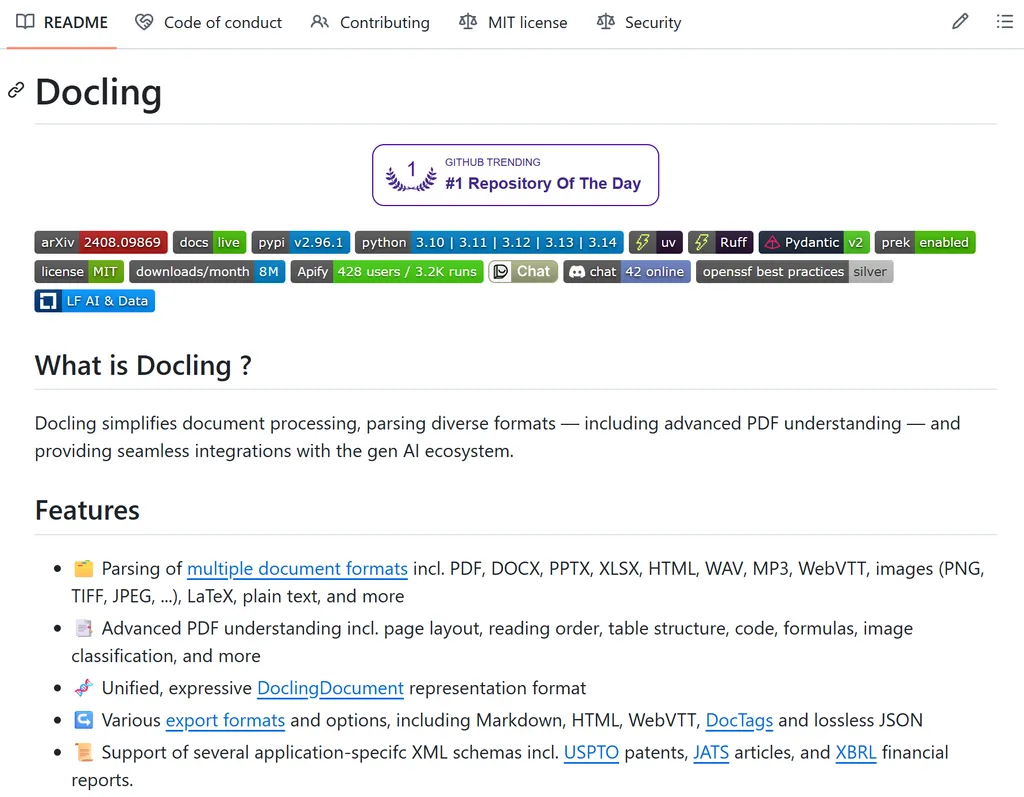
Best for: Building RAG pipelines where structured document understanding matters more than raw extraction speed.
Docling takes a different approach: it's built from the ground up for AI pipelines. Every document it processes gets broken into chunks with semantic labels (heading, paragraph, table, figure), making it plug-and-play with vector databases and RAG systems. IBM backs the project, and the MIT license means zero friction for commercial use.
Why it's great: If your agent needs to ingest documents and answer questions about them, Docling eliminates the "chunk it yourself" step that typically requires custom scripting. The structured output means your retrieval quality improves without extra work.
Limitations: Scanned-document OCR quality lags behind MinerU. The chunking is opinionated — if you need a different granularity, you may need to rechunk.
3) Marker
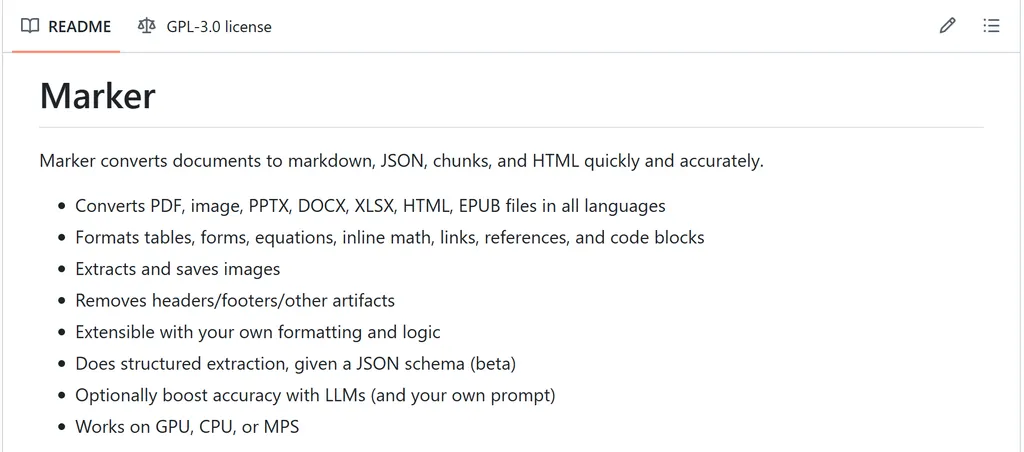
Best for: Fast, bulk text extraction from academic papers and single-column documents.
Marker is the speed demon of the group. It strips everything unnecessary — no layout analysis, no chunking, no schema — and focuses on one thing: pulling clean text (and formulas) out of PDFs as fast as possible. It handles LaTeX math natively, which makes it uniquely valuable for academic and scientific content.
Why it's great: For high-throughput pipelines (think: processing thousands of documents overnight), Marker's simplicity is its strength. You get clean markdown or JSON without configuring a dozen parameters.
Limitations: No table structure preservation. If your PDF has complex multi-column layouts, Marker will flatten them into a single text stream. GPL-3.0 licensing requires consideration for commercial products.
4) OCRmyPDF
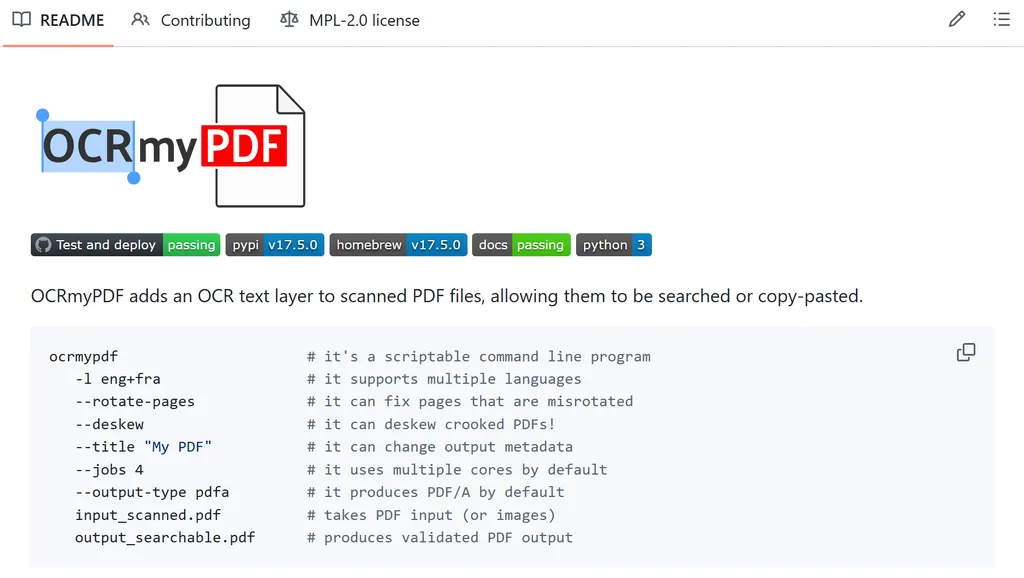
Best for: Making scanned PDFs searchable and machine-readable before feeding them to any other tool.
OCRmyPDF does exactly one job, and it does it perfectly: it takes a scanned PDF — the kind you get from a photocopier or a phone camera — and adds an invisible, searchable text layer on top of the image. The original PDF looks identical, but suddenly you can search it, copy text from it, and pipe it into other tools.
Why it's great: This is the critical preprocessing step that makes scanned documents usable by every other tool on this list. Without OCRmyPDF, a scanned contract is just a picture — your agent can't read it.
Limitations: It won't extract text, convert formats, or restructure documents. It does OCR layer insertion and nothing else — you'll always pair it with another tool for downstream processing.
5) Unstructured
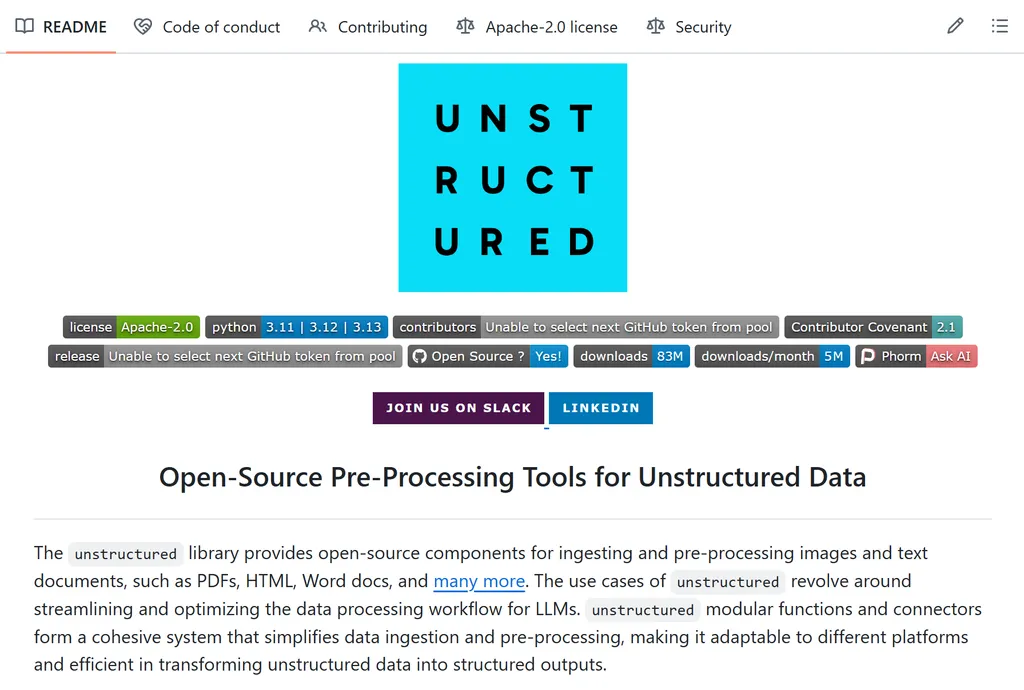
Best for: Connecting heterogeneous document collections to vector databases and LLM applications.
Unstructured is the bridge between raw documents and LLM-ready data. It ingests PDFs (and dozens of other file types) and outputs clean, partitioned elements — paragraphs, tables, headers, footers — in JSON. Each element carries metadata about its type and position, so your agent knows what it's looking at.
Why it's great: When you're building a RAG system, the quality of your ingestion pipeline determines the quality of your retrieval. Unstructured handles the messy reality of real-world documents (inconsistent formatting, embedded images, weird layouts) and normalizes them into a consistent format.
Limitations: It's designed for data preprocessing, not for creating publishable output. The JSON format is great for machines but not human-readable without additional transformation.
6) PyMuPDF
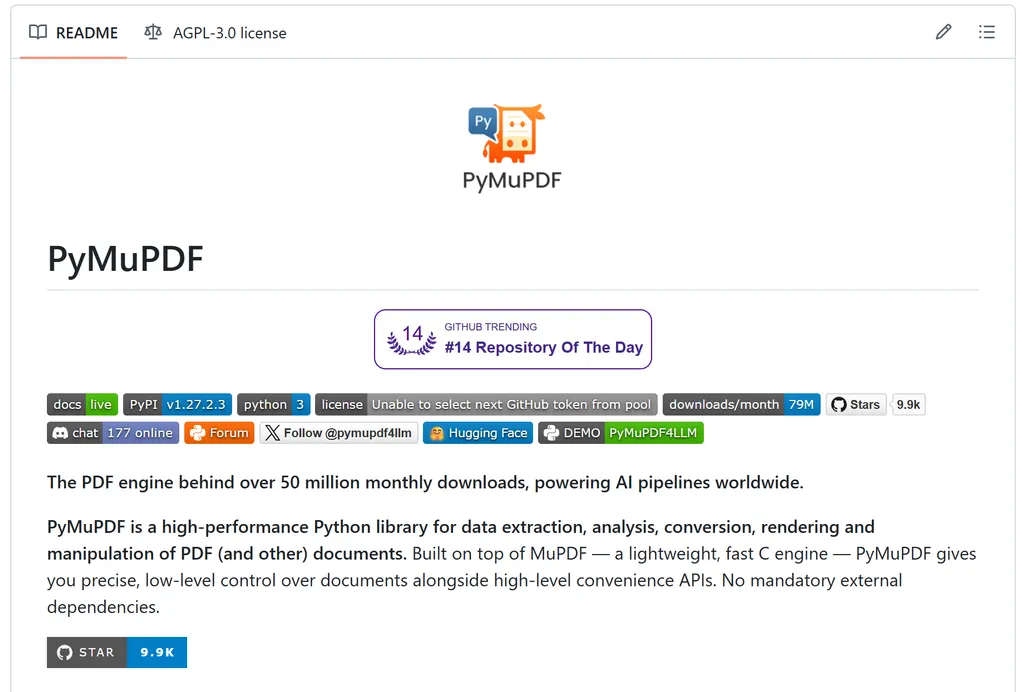
Best for: Agent workflows that need to create, annotate, or modify PDFs — not just read them.
PyMuPDF is the veteran of the group — the Python binding for the MuPDF rendering engine that's been battle-tested for over a decade. Unlike the other tools here, PyMuPDF isn't just a parser: it's a full PDF manipulation toolkit. You can extract text, render pages as images, annotate, redact, split, merge, and fill forms — all from Python.
Why it's great: When you need programmatic control over PDFs (not just reading them, but transforming them), PyMuPDF is the only tool on this list that gives you surgical precision. Every other tool treats PDFs as input to be consumed; PyMuPDF treats them as things to be modified.
Limitations: Lower-level API than the other tools — you write code to get results, not run a CLI command. AGPL-3.0 licensing requires a commercial license for proprietary use.
7) Nano-pdf
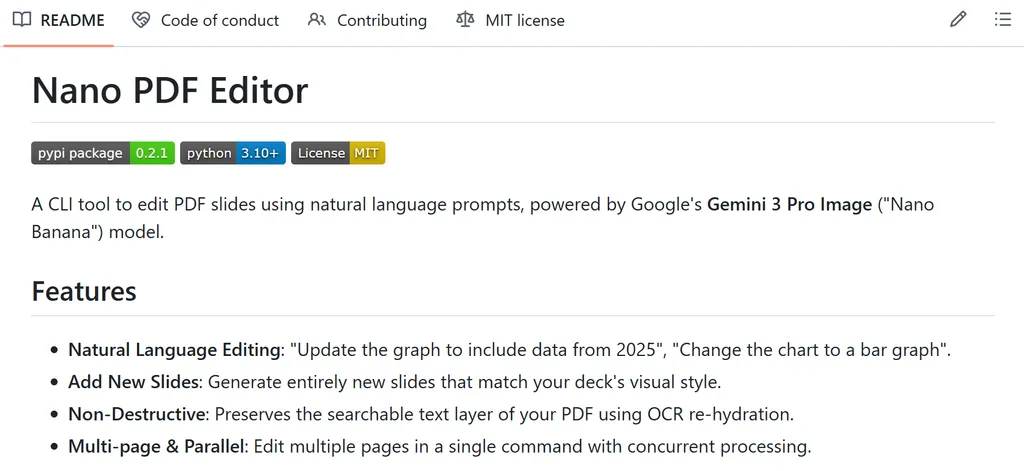
Best for: Making targeted text edits in existing PDFs without touching the original layout.
Nano-PDF is the newest and smallest skill here, but it fills a gap none of the others address: editing text inside an existing PDF. Need to fix a typo in page three's title without regenerating the entire document? Nano-PDF handles that — and it uses natural language prompts to do it.
Why it's great: Every other tool on this list treats PDFs as immutable during extraction. Nano-PDF lets your agent make surgical edits without breaking the document's layout or requiring the original source files. For agent workflows that involve approving, correcting, or updating documents, this is uniquely useful.
Limitations: Not a parser or extractor. Editing capabilities are limited to text — images, vector graphics, and complex layout changes are out of scope.
PDF OCR vs PDF Parsing vs PDF-to-Markdown
Not all PDF skills solve the same problem. In reality, different skills are designed for different stages of the document workflow. Some focus on turning scanned pages into readable text, others specialize in understanding document structure, while some are optimized for converting PDFs into AI-friendly formats.
Understanding these differences can help you choose the right skill for your use case.
PDF OCR
OCR (Optical Character Recognition) converts scanned PDFs and images into searchable text. If your PDF is essentially a photograph of a document, OCR is the first step before any AI system can work with it.
Tools like OCRmyPDF specialize in this task.
PDF Parsing
PDF parsing goes beyond text extraction. It attempts to understand document structure, including headings, tables, reading order, figures, and page layouts.
MinerU and Docling are designed specifically for this type of document understanding.
PDF-to-Markdown Conversion
Many AI workflows work better with Markdown than raw PDF content. Converting PDFs into Markdown makes documents easier to index, chunk, and process in RAG systems.
Marker is particularly strong in this area, while MinerU and Docling also support Markdown-based workflows.
Which Tool for Which Job
Here's how these tools map to real workflows:
- For building a document Q&A agent: Start with OCRmyPDF if your documents are scanned, then Docling to chunk and structure the output for your vector database. Docling's semantic labeling dramatically improves retrieval quality.
- For processing academic papers: Marker handles LaTeX-heavy content with minimal fuss. If you need table data from those papers, switch to MinerU — its formula and table extraction is worth the extra processing time.
- For enterprise document pipelines: Unstructured ingests everything (PDF, Word, HTML, email) and normalizes it into a consistent schema. Pair it with PyMuPDF if you need to annotate or redact documents as part of the pipeline.
- For agent-to-agent document workflows: When one agent generates a PDF and another needs to review or correct it, Nano-PDF enables surgical edits without regeneration. This pattern is increasingly common in multi-agent systems.
- For scanned archives: OCRmyPDF is non-negotiable as the first step. After that, your choice of downstream parser depends on document complexity — MinerU for complex layouts, Marker for speed.
Bottom Line: No Single Winner
PDF processing is no longer a single task. Modern AI workflows require OCR, document parsing, chunking, retrieval, and sometimes even document editing.
That's why the best PDF agent skills tend to complement each other rather than compete directly.
MinerU excels at understanding complex layouts. Docling shines in RAG pipelines. Marker prioritizes speed and clean Markdown output. OCRmyPDF remains the go-to choice for scanned documents, while PyMuPDF and Nano-PDF provide capabilities that go beyond extraction.
Rather than looking for a single winner, build a toolkit that matches your workflow. In practice, the most effective AI agents often use several of these skills together.
FAQs
What is a PDF agent skill?
A PDF agent skill is a specialized capability that enables AI agents to read, extract, analyze, convert, or modify PDF documents. Different skills focus on different tasks, such as OCR, document parsing, Markdown conversion, or PDF editing.
Which PDF agent skill is best for RAG?
For most retrieval-augmented generation (RAG) workflows, Docling and MinerU are among the strongest options because they preserve document structure and generate LLM-friendly output.
Which PDF skill is best for scanned documents?
OCRmyPDF is the best choice for scanned PDFs because it adds searchable text layers while preserving the original document.
Which tool converts PDFs to Markdown?
Marker is specifically designed for PDF-to-Markdown conversion. MinerU and Docling also support Markdown output while preserving more document structure.
Can AI agents edit PDFs?
Yes. Nano-PDF focuses on targeted text edits within existing PDFs, while PyMuPDF provides a more comprehensive toolkit for programmatically modifying PDF files.

Related Articles

A marketer-focused shortlist of the best Hermes Agent skills in 2026, plus a rubric to choose and maintain skills that ship real work.
Find the top PPT agent skills featuring specialized AI capabilities for diverse business, academic, and creative workflows.
Discover the best Excel agent skills for data analysis, spreadsheet automation, reporting, and workflow optimization across business use cases.