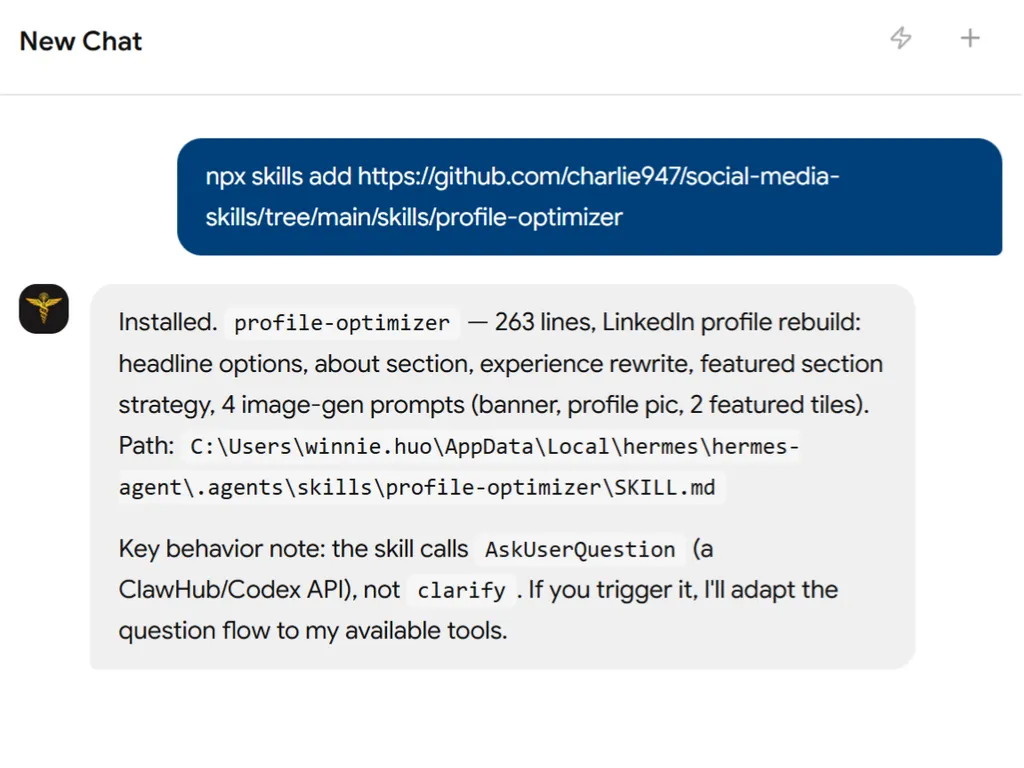
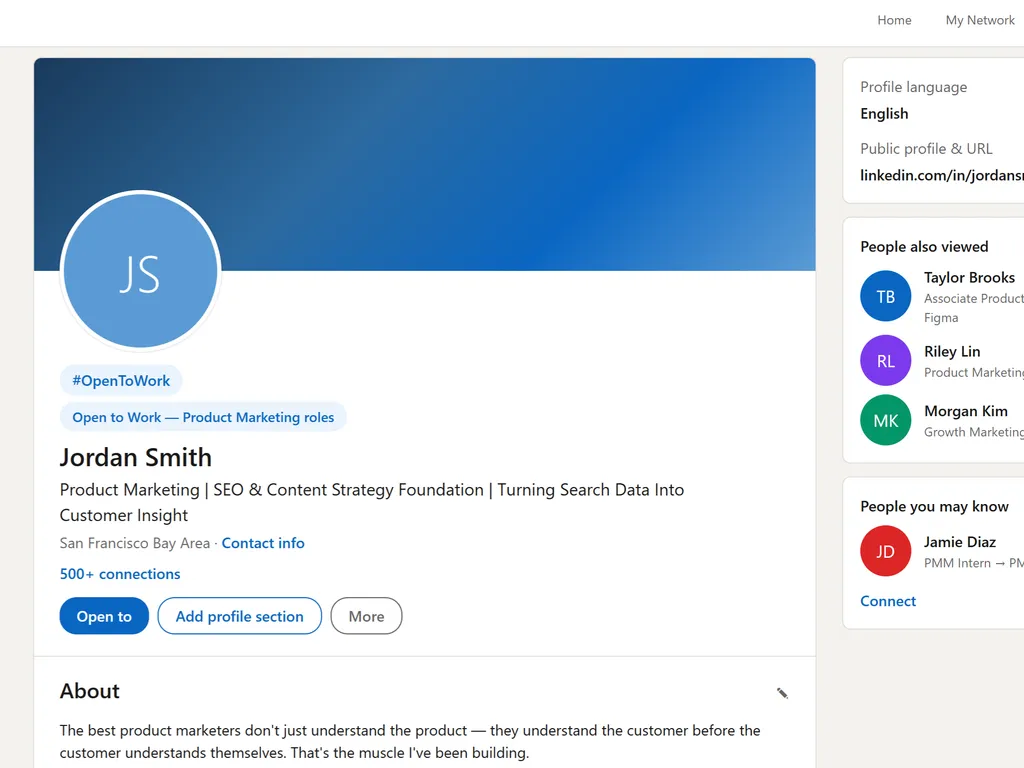
Profile Optimizer
CRITICAL: Auto-start on load
When this skill triggers, go straight to Step 1. Do not summarise. Do not explain what you will produce. Start input gathering immediately.
Step 1. Gather inputs
Check the project for about-me.md. If it exists, pre-fill name, audience, topics, and POV from it. Skip those questions and tell the user what you pulled.
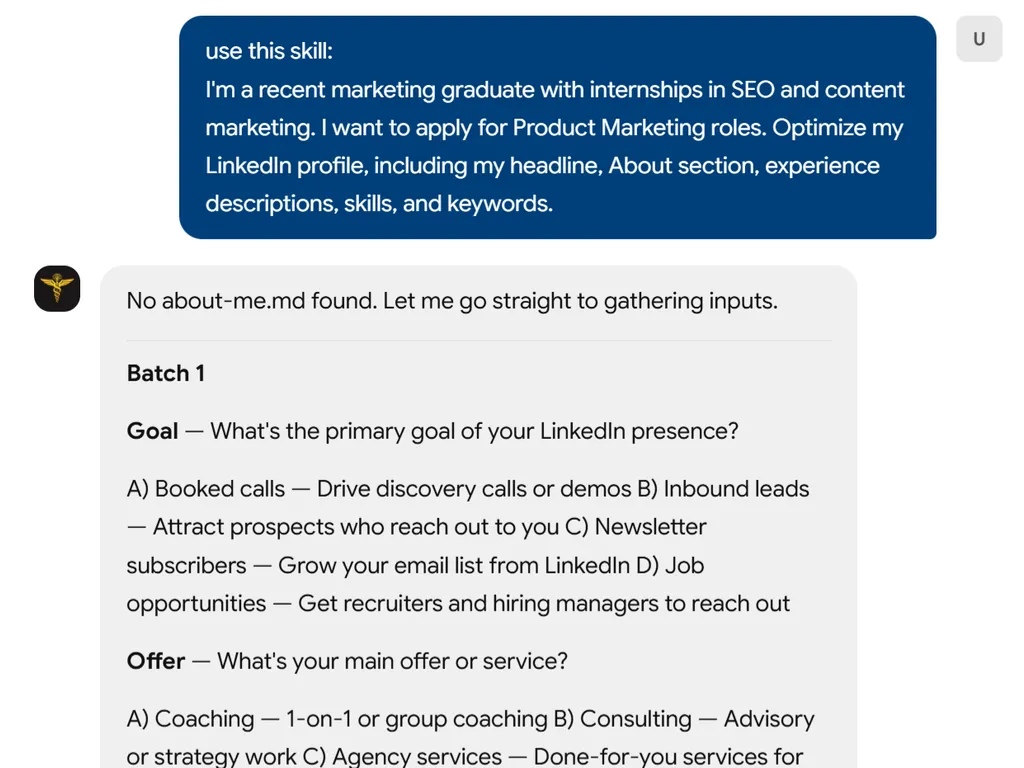
Call AskUserQuestion in two batches.
Batch 1
[
  {
    "question": "What is the primary goal of your LinkedIn presence?",
    "header": "Goal",
    "multiSelect": false,
    "options": [
      {"label": "Booked calls", "description": "Drive discovery calls or demos"},
      {"label": "Inbound leads", "description": "Attract prospects who reach out to you"},
      {"label": "Newsletter subscribers", "description": "Grow your email list from LinkedIn"},
      {"label": "Job opportunities", "description": "Get recruiters and hiring managers to reach out"}
    ]
  },
  {
    "question": "What is your main offer or service?",
    "header": "Offer",
    "multiSelect": false,
    "options": [
      {"label": "Coaching", "description": "1-on-1 or group coaching"},
      {"label": "Consulting", "description": "Advisory or strategy work"},
      {"label": "Agency services", "description": "Done-for-you services for clients"},
      {"label": "Freelance", "description": "Project-based or contract work"}
    ]
  },
  {
    "question": "Do you have brand colours (hex codes)?",
    "header": "Colours",
    "multiSelect": false,
    "options": [
      {"label": "No, suggest for me", "description": "Pick colours based on my positioning"},
      {"label": "Yes, I will paste them", "description": "I have specific hex codes to use"}
    ]
  },
  {
    "question": "Any social proof you want highlighted?",
    "header": "Proof",
    "multiSelect": false,
    "options": [
      {"label": "Years of experience", "description": "e.g. 10+ years in marketing"},
      {"label": "Client results", "description": "e.g. Helped 200+ clients"},
      {"label": "Media features", "description": "e.g. Featured in Forbes"},
      {"label": "I will type my own", "description": "Let me paste specific proof points"}
    ]
  }
]
Batch 2
[
  {
    "question": "What external links do you want in your Featured Section? (max 2)",
    "header": "Links",
    "multiSelect": false,
    "options": [
      {"label": "Booking page + newsletter", "description": "Primary link to book calls, secondary to subscribe"},
      {"label": "Portfolio + booking page", "description": "Show work first, then convert"},
      {"label": "I will paste URLs", "description": "I have specific links to use"}
    ]
  },
  {
    "question": "How should I get your current profile?",
    "header": "Current profile",
    "multiSelect": false,
    "options": [
      {"label": "I will paste it", "description": "I will copy-paste my headline, about, and experience"},
      {"label": "Start fresh", "description": "Ignore my current profile, build from scratch using my about-me.md"},
      {"label": "I will upload a screenshot", "description": "I will share a screenshot or PDF of my profile"}
    ]
  }
]
Wait for all inputs before proceeding.
Step 2. The Headline
Write 3 headline options. Output in a code block.
Constraints:
- Maximum 50 characters each
- Sentence casing only (not Title Case)
- Lead with core value
- Include target audience where character count allows
- No job titles (no "Founder" / "CEO" / "Designer")
- No fluff words
Format: [Core value] + [for target audience]
Option 1 (Direct): [outcome + audience]
Option 2 (Pain-focused): [problem + audience]
Option 3 (Differentiator): [unique angle + audience]
Then call AskUserQuestion to let the user pick:
[
  {
    "question": "Which headline do you want to go with?",
    "header": "Headline",
    "multiSelect": false,
    "options": [
      {"label": "Option 1", "description": "[The actual headline text from above]"},
      {"label": "Option 2", "description": "[The actual headline text from above]"},
      {"label": "Option 3", "description": "[The actual headline text from above]"}
    ]
  }
]
Step 3. The About Section
Output in a code block. Formatting rules:
- Write in full sentences. Do not force line breaks mid-sentence.
- One line break between sentences or short phrases for readability.
- Double line break between sections (hook, story, authority, CTA).
- LinkedIn handles text wrapping on mobile and desktop. Do not manually wrap at 50 or 60 characters.
- Short punchy sentences are good. Chopping sentences in half is not.
Structure: Hook > Struggle/Empathy > Method/Philosophy > Authority > CTA
Tone: Punchy, direct, human. Not corporate.
Example of correct formatting:
I left my 9-to-5 in September 2024.
Two years later: 200k+ followers, multiple six-figure businesses, thousands of marketers trained.

Here is what I learned.
Most people do not need more content. They need a system that turns content into clients. That is what I build.

✦ Linked Agency: done-for-you LinkedIn content for founders and executives.
✦ Vislo: an AI design tool that creates publish-ready infographics in minutes.
✦ MarTech AI newsletter: 200k+ readers getting weekly AI marketing frameworks.
✦ The AI Creators Club: live breakdowns, proven systems, and a community that helps you grow in weeks, not months.

Brand partnerships and speaking: hello@influencermoso.com

Check out my Featured section below. Or DM me. I will point you in the right direction.
Step 4. The Experience Section
Rewrite the top 2 roles. Output in a code block. Same formatting approach as the About section: full sentences, no forced mid-sentence line breaks, LinkedIn handles wrapping.
Structure per role: Context > Challenge > Action > Result
Storytelling format, not bullet points. 8 to 15 sentences per role maximum.
Example of correct formatting:
I walked into a team that had lost 3 managers in 2 years.
Morale was gone. Revenue was slipping.

I didn't start with strategy decks. I started with listening.

Within 6 months we rebuilt the culture.
Within 12 months revenue was up 40%.

That taught me everything about leading through chaos.
Example of incorrect formatting:
- Managed a team of 15 sales representatives
- Responsible for Q3 revenue targets
- Implemented new CRM system
Step 5. Featured Section Strategy
2 items maximum. Both must be external links.
Item 1: Primary conversion goal
- Purpose: direct path to main offer (booking page, application form, sales page)
- Title: 3 to 5 words, benefit-focused
Item 2: Secondary value builder
- Purpose: build trust or capture leads (newsletter signup, free resource, portfolio, case study)
- Title: 3 to 5 words, benefit-focused
No subtitles. No internal LinkedIn posts. No "DM me" items.
Step 6. Visual Design Brief
Output 4 separate image generation prompts, each in its own code block. Each prompt must be fully self-contained and work when pasted into Gemini as a standalone request.
State the brand colours at the top:
- Primary hex: [user-provided or suggested]
- Secondary hex: [user-provided or suggested]
- One line on why these fit the positioning
Asset 1: LinkedIn Banner (1584 x 396 pixels)
The prompt must:
- State "Using the attached photo of me..."
- Create banner at exact dimensions
- Place the chosen headline text centre-right
- Place a 5 to 8 word tagline below the headline
- Include a CTA button element (3 to 4 words)
- Include social proof text
- Use brand colours
- Specify background style
Asset 2: Profile Picture (400 x 400 pixels)
The prompt must:
- State "Using the attached headshot photo as the base..."
- Apply brand colour background (solid or gradient)
- Centre face at 60 to 70% of frame
- Work when cropped to a circle
- Add brand colour border if appropriate
Asset 3: Featured Section Tile 1 (552 x 368 pixels)
- Title text from Featured Item 1 as focal point
- Brand colours matching the banner
- Simple clickable visual cue (arrow icon)
- Clean, minimal, no subtitle or body text
- No photo needed
Asset 4: Featured Section Tile 2 (552 x 368 pixels)
- Title text from Featured Item 2 as focal point
- Visually distinct from Tile 1 (swap primary/secondary colour usage)
- No photo needed
After all 4 prompts, say:
Copy each prompt into a new Gemini chat one at a time. For the banner and profile picture, attach your headshot alongside the prompt. The featured tiles do not need a photo.
Rules
- Always read about-me.md if it exists and pre-fill inputs from it.
- All profile copy (headline, about, experience) must go in code blocks.
- Write full sentences. Do not force line breaks mid-sentence. LinkedIn handles wrapping.
- No job titles in headlines.
- No block paragraphs anywhere.
- Each image prompt must be fully self-contained.
- Never use em dashes.
- British English throughout.
- Do NOT offer to write a launch post or engagement strategy after the design brief. End at the design brief.